


Use the AI assistant
What you'll learn
- What you can and can't ask the assistant
- How to read its answers, charts and sources
- How to rate an answer and how it protects your information
The Assistant answers, in plain words, questions about the recorded performance of your teams and players and about how to use the platform. It only uses your club's data, and only what you can already see: a coach, for example, only looks up their own teams.
- In the menu, tap Assistant. If you don't see it, ask your club Administrator for access.
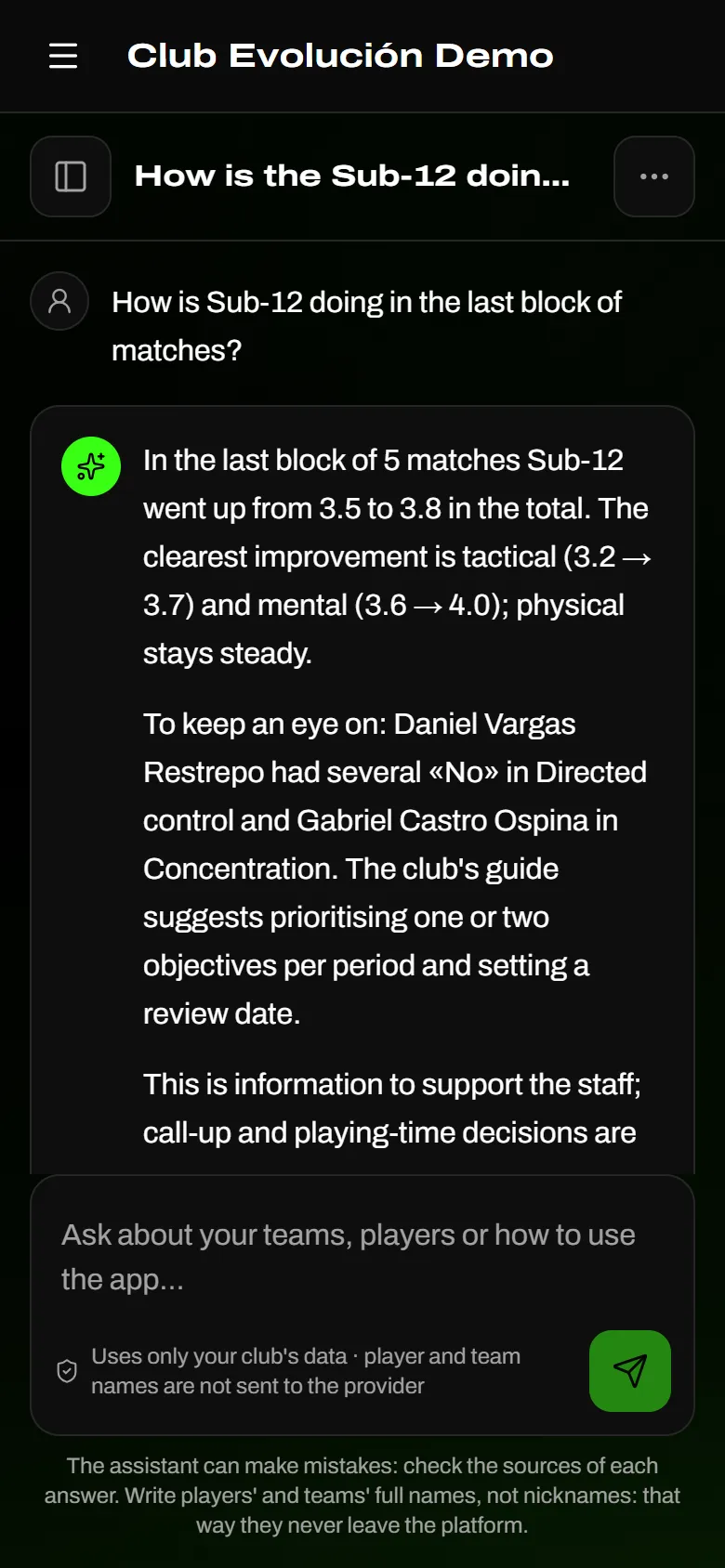
- Type your question in the box at the bottom, with players' and teams' full names (not nicknames).
- Tap Send. While it answers, you'll see which information it is looking up.
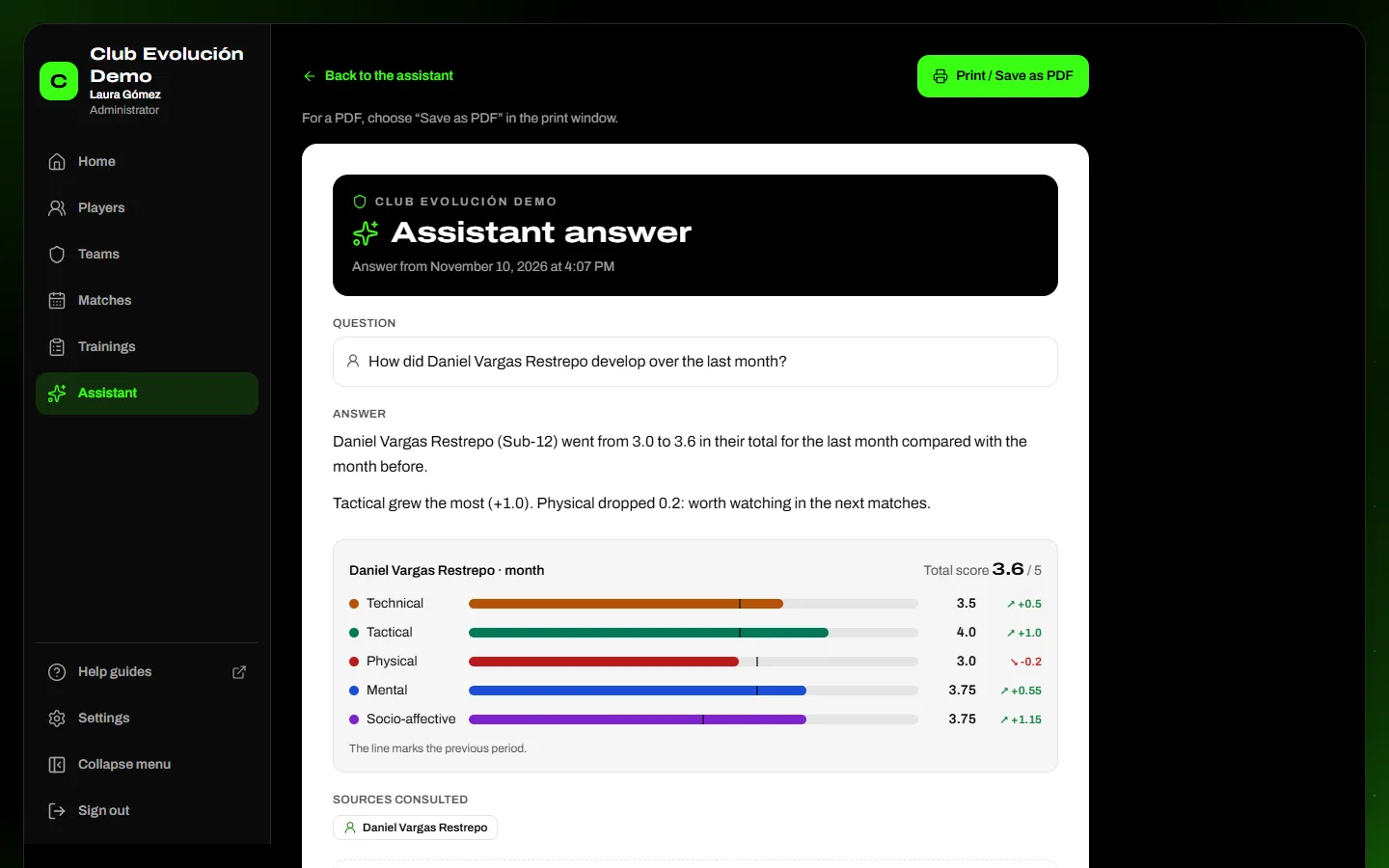
- Read the answer: when there are numbers, you'll see a chart and, below it, the sources consulted (team, player, variable or period).
- To start another topic, tap New conversation. On a phone, tap Show conversations to open the list.
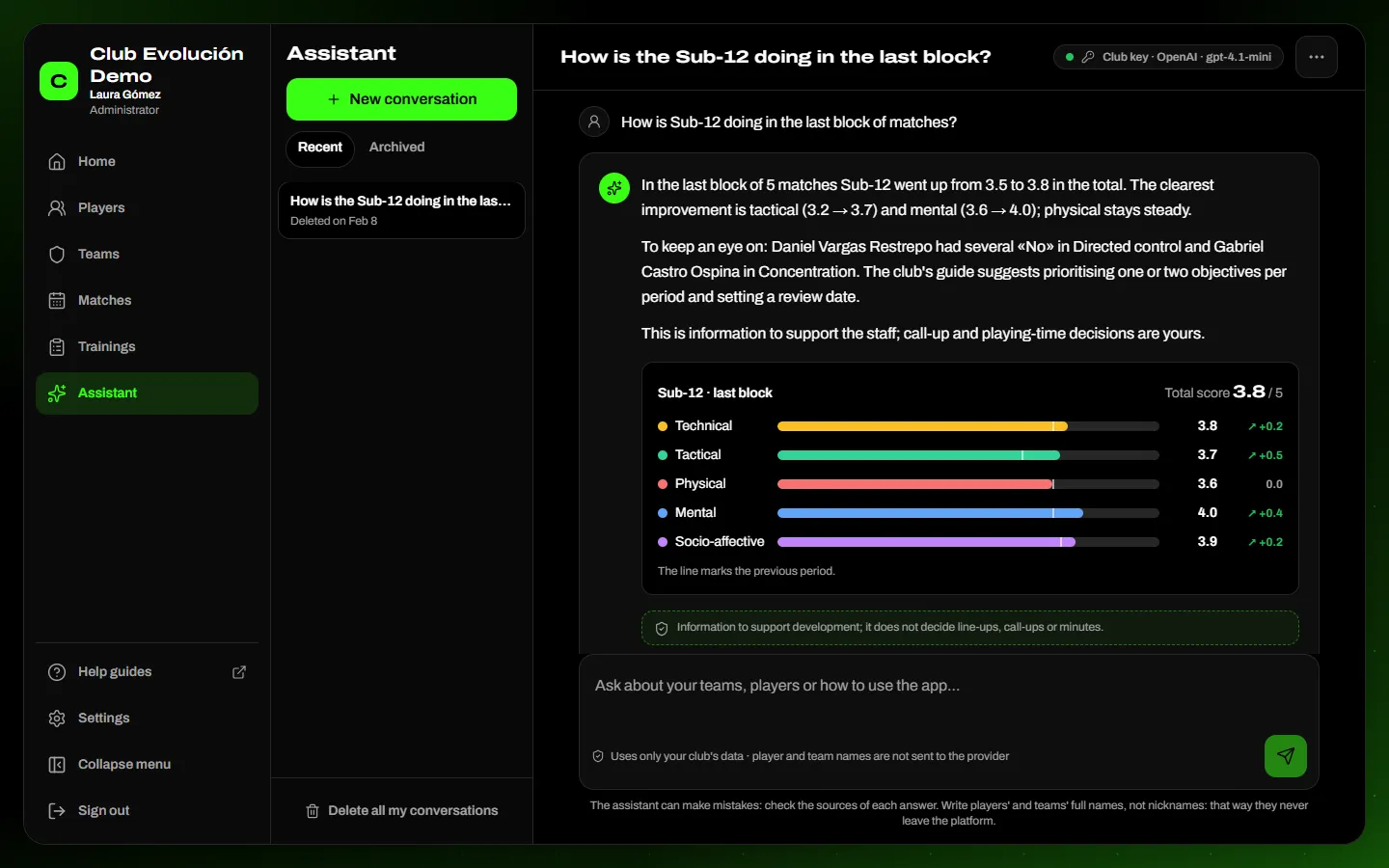
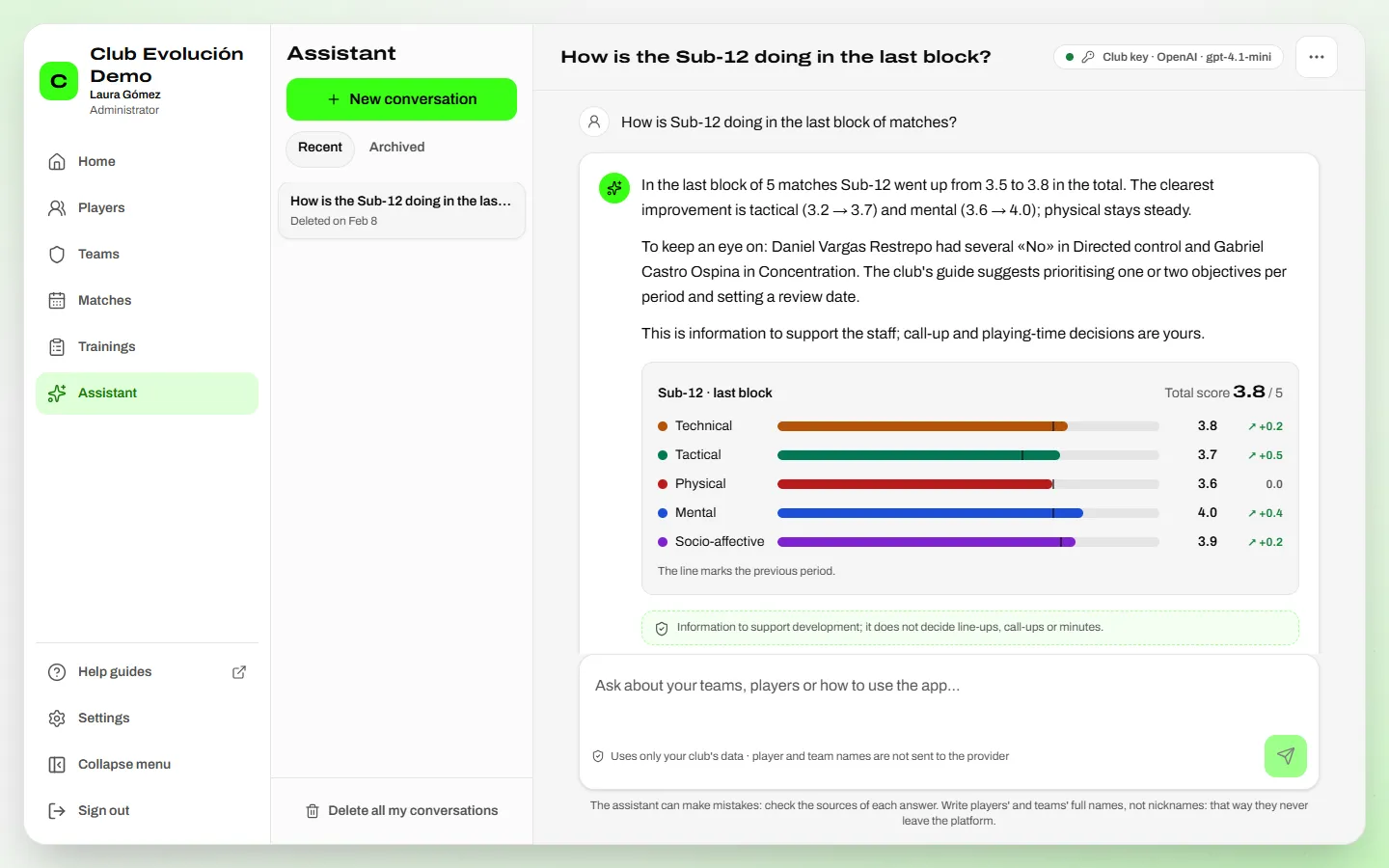
- How a team or a player is doing: “How did the Sub-12 do in the last block of matches?”, “How did Daniel Vargas Restrepo progress this semester?”.
- A match: “How was the Sub-12's last match?” — the result, who played and the evaluations.
- What is marked Yes or No most often: “Which aspects do we mark No most often in the Sub-12?”, also for one player or one pillar.
- Training attendance: “How is the Sub-12's attendance this month?”.
- How to improve: “What can Daniel Vargas Restrepo work on?” — their current needs with the guidance of the club's methodology guide. The coach decides the exercises and the load.
- The method and the app: what a variable means and how to do something in the platform.
Tip
Mention the team and the period: “Sub-12, last month” or “last block of 5 matches”. The answer will be more precise.
- It doesn't answer: line-up, call-up or minutes decisions (those belong to the coaching staff), medical or injury topics, legal or financial topics, personal or general questions, or data about other clubs or people you can't see.
- If a piece of data doesn't exist, it says so: “Information not available in platform records”. It never makes up players or figures.
- If your club uses its plan's credits and they run out for the month, the assistant tells you and comes back on the first day of next month. Nothing else in the platform stops.
Important
The assistant supports, it doesn't decide. Before using an important figure in a conversation with a player or their family, check it in the platform's dashboards too.
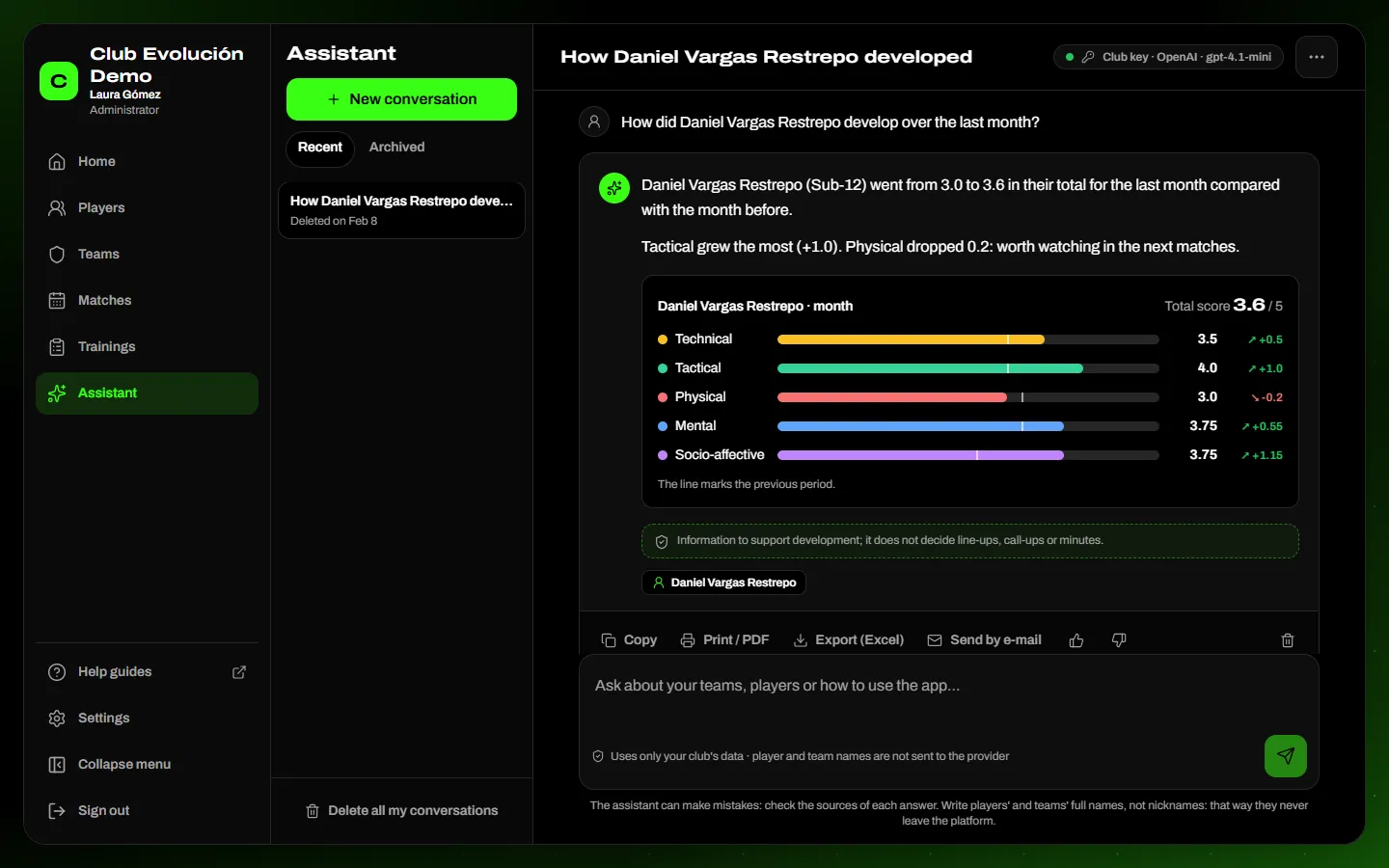
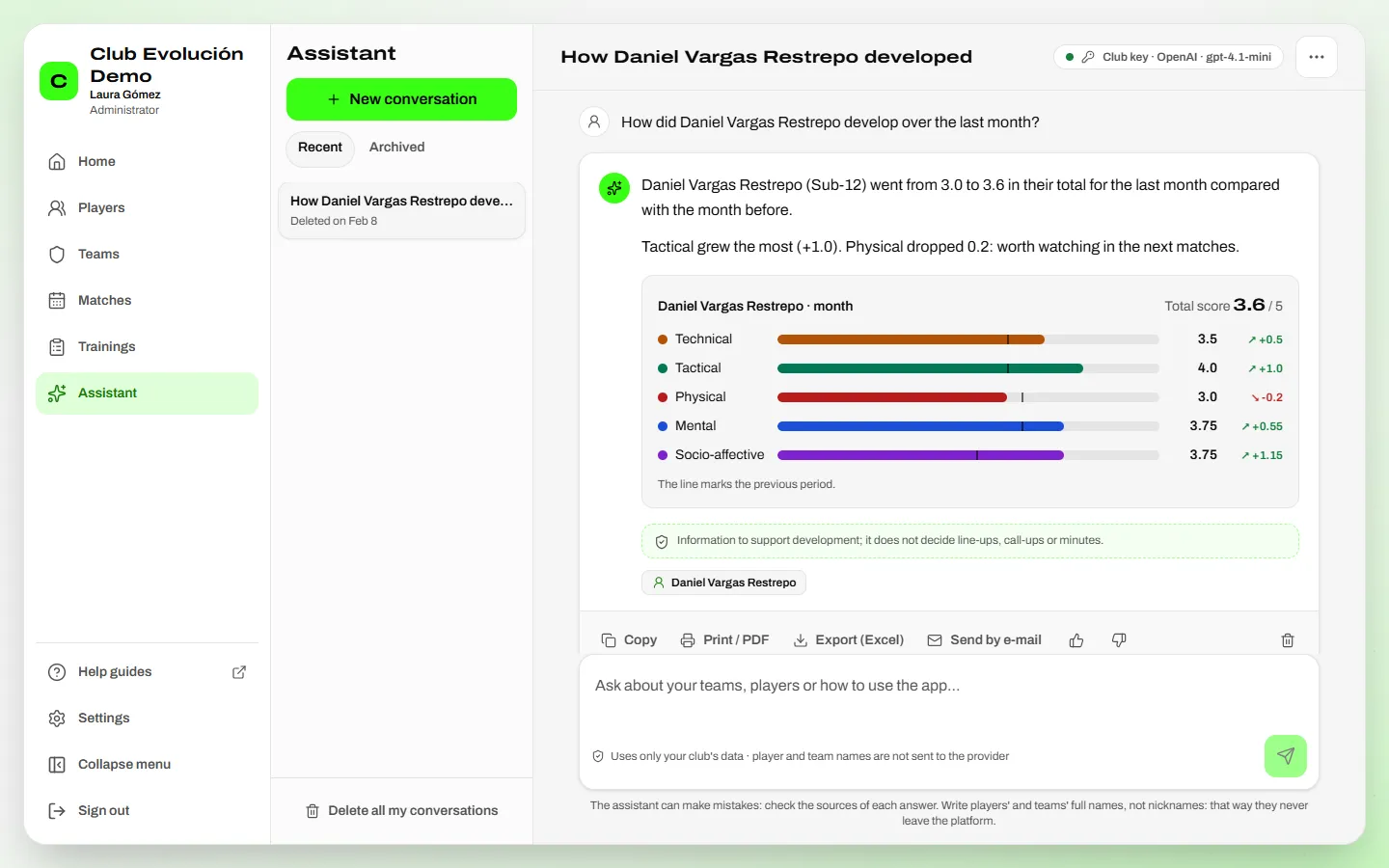
Save or share an answer. Under each answer you have:
- Copy: copies the answer's text.
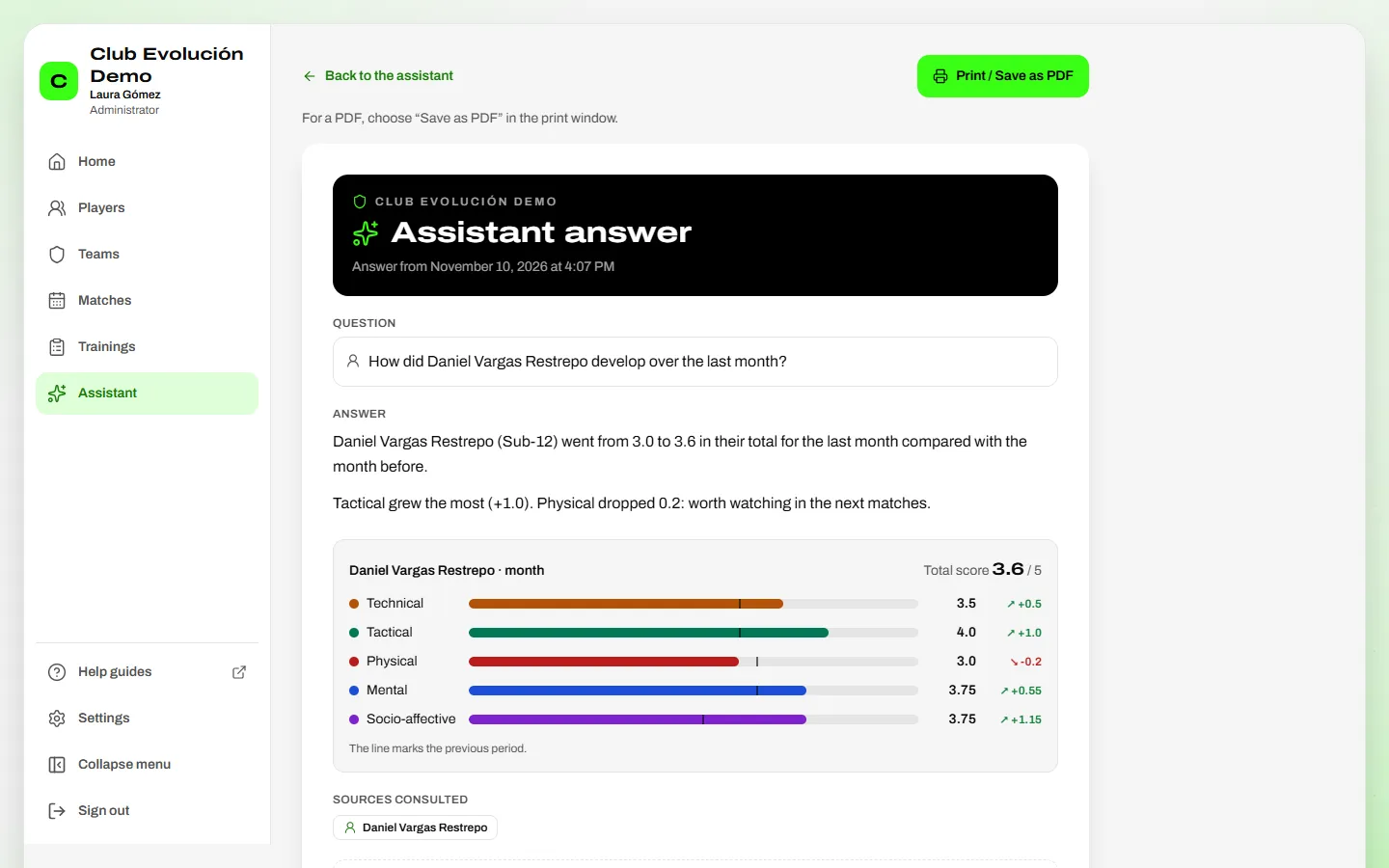
- Print / PDF: opens the question, the answer, the chart and the sources on a page ready to print. For a PDF, choose Save as PDF in the print window.
- Export (Excel): downloads the question, the answer, the sources and the chart's figures. If the answer talks about players, it only works if the Administrator allowed it in Settings → Club → Security → Reports and exports.
- Send by e-mail: sends a link, never the answer. Only club members who can already see every player and team it mentions are listed; each one opens it with their own account.
Important
The link stops working if you delete that question or the conversation, or when the time the club keeps conversations runs out. Every print, download and send is recorded.
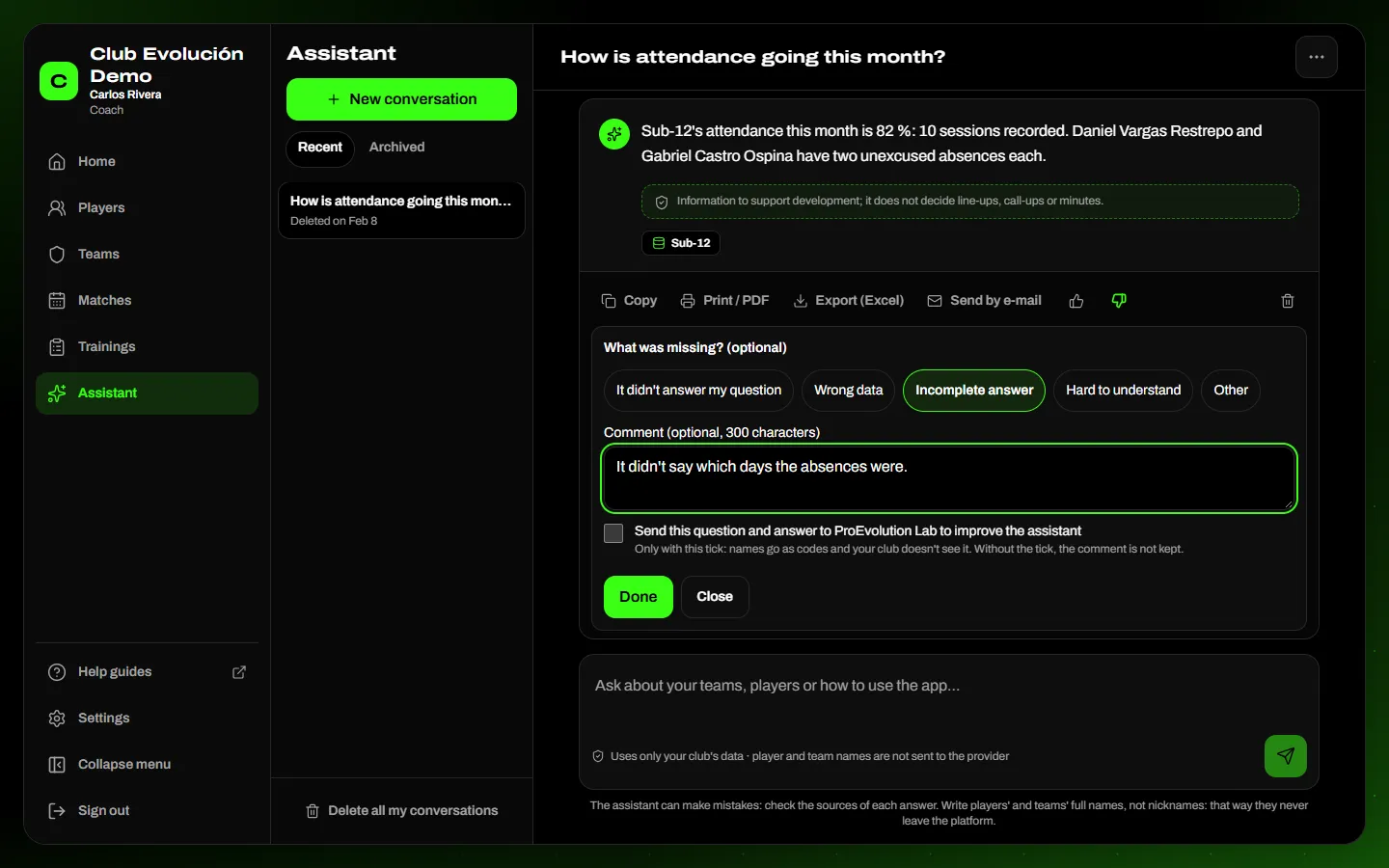
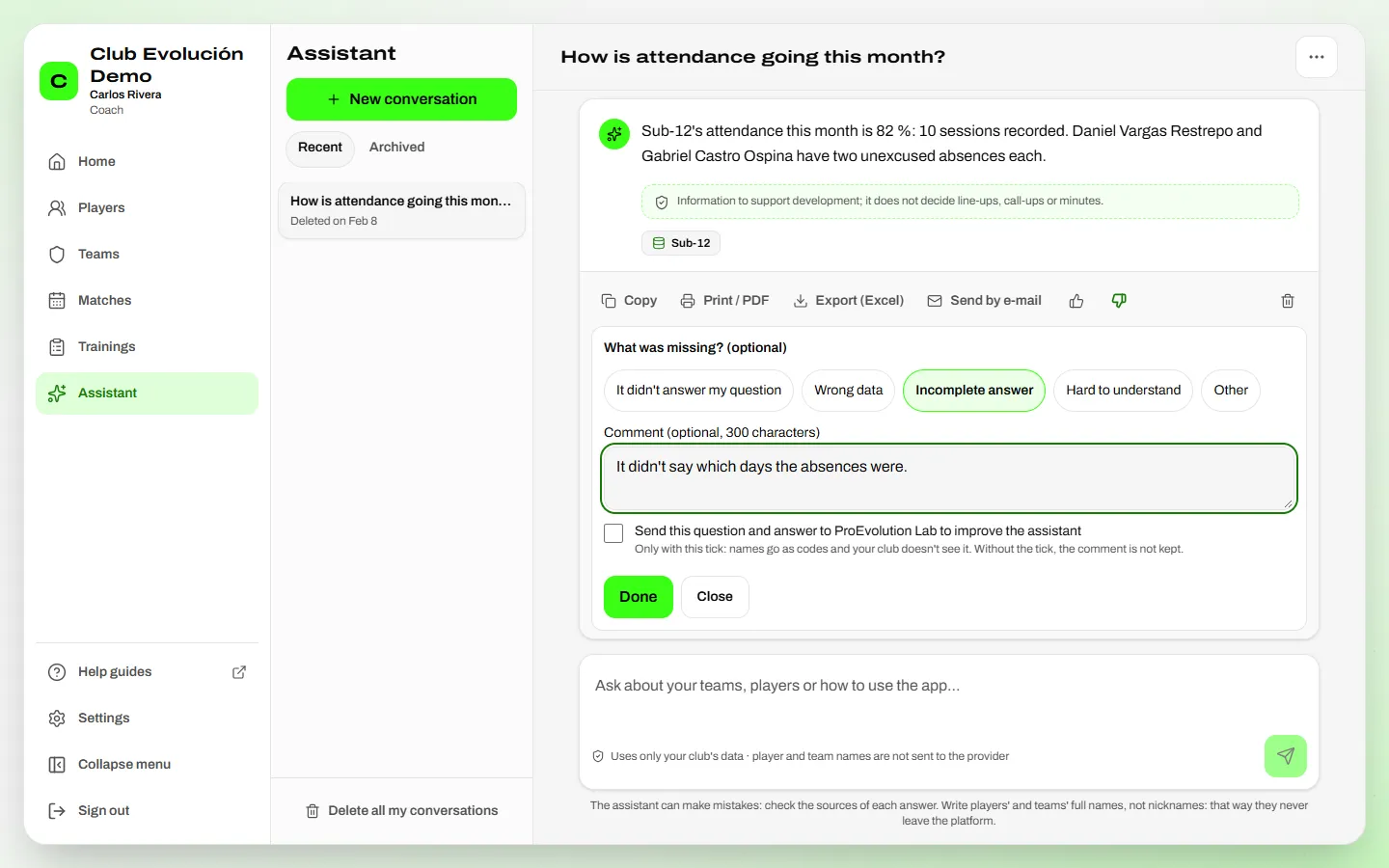
Was the answer useful? Under each answer, tap 👍 Useful or 👎 Not useful. If it didn't help, you can mark What was missing? (it didn't answer my question, wrong data, incomplete answer, hard to understand or other) and write a comment. Your rating is private: the Administrator only sees the club's totals, never your questions or who rated.
Need help?
If you want to help us improve, tick Send this question and answer to ProEvolution Lab and tap Send to ProEvolution Lab. Only then does that question and answer reach us, with names as codes; your club doesn't see it. Without the tick, the comment is not kept.
Your information is protected. Before asking the AI, player and team names are replaced with codes; the real name only appears on your screen. That's why full names matter: a nickname isn't recognised. Passwords, contact details and medical information are never sent. With the ProEvolution Lab key, your data is not used to train AI models; if the club connects its own key, that account's terms apply (with Google Gemini, use a paid plan).
Your conversations are private: only you see them. They are deleted automatically after the period your club chose (shown on each conversation). You can Archive a conversation, Delete conversation, delete a single question with its answer, or Delete all my conversations from More options.
Important
Use it only for what it was made for. Attempts to use it for anything else — for example asking it to change its rules, or for passwords or other people's data — are blocked, recorded for the Administrator (including the question) and, if they continue, the assistant is paused for a while for that person. Your account keeps working.
Recap
- Menu → Assistant; ask with full names, the team and the period
- It answers from your club's data: teams, players, matches, attendance, Yes/No and the club's guide
- Rate with 👍 / 👎; your conversations and ratings are private
To unmark the lesson, select the button again.
Questions? Visit our support portal: support.proevolutionlab.com (opens in a new tab)