


Record a match
What you'll learn
- How to create a match
- What the platform does with the score
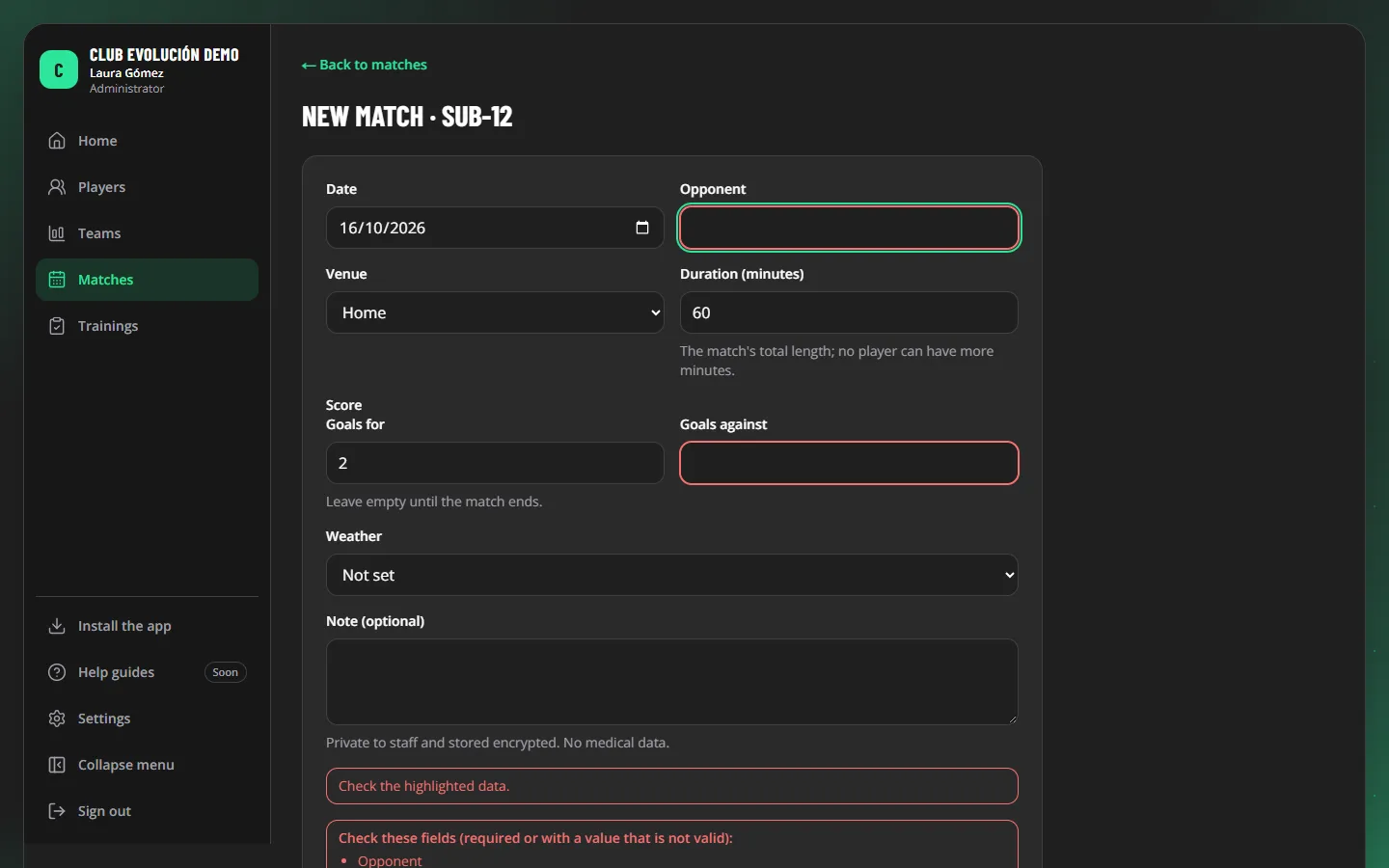
- Go to Matches, pick the team and tap New match.
- Fill in the date, opponent, condition (home, away or neutral) and the length in minutes.
- Add the score when the match is over (leave it empty before) and, if you like, the weather and a note.
- Tap Save match.
The result (win, draw or loss) is calculated by the platform from the score.
Tip
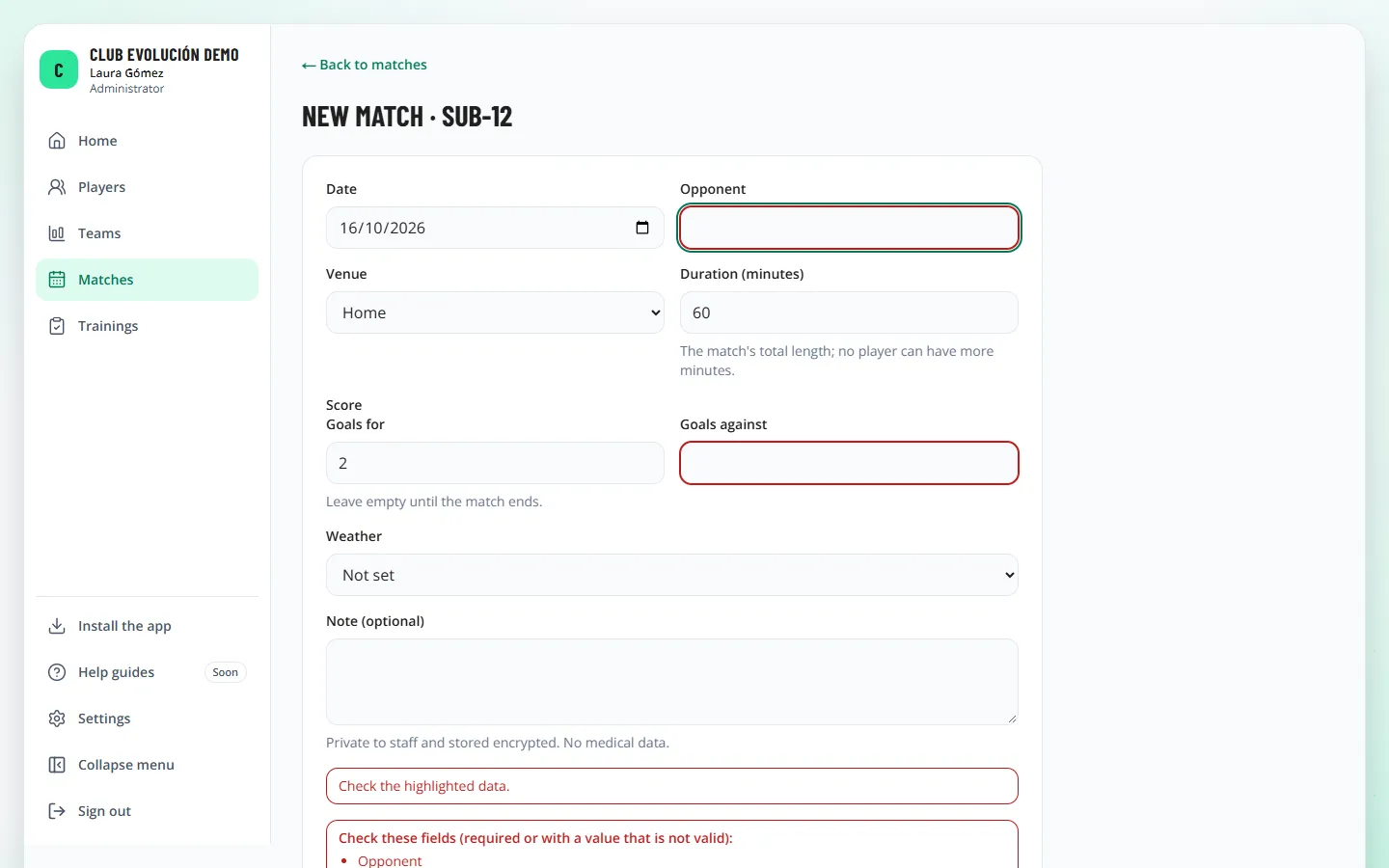
If something is missing or not valid, the field is outlined in red and a list of fields to check appears.
Depending on your role
Only the Administrator deletes a match, and only if it has no evaluations: in that case the Delete match button is disabled with the reason.
Recap
- Matches → New match
- The result is calculated from the score
- A match with evaluations cannot be deleted
To unmark the lesson, select the button again.
Questions? Visit our support portal: support.proevolutionlab.com (opens in a new tab)