


Home: your main dashboard
What you'll learn
- What Home shows as soon as you sign in
- How to find the evaluations still missing
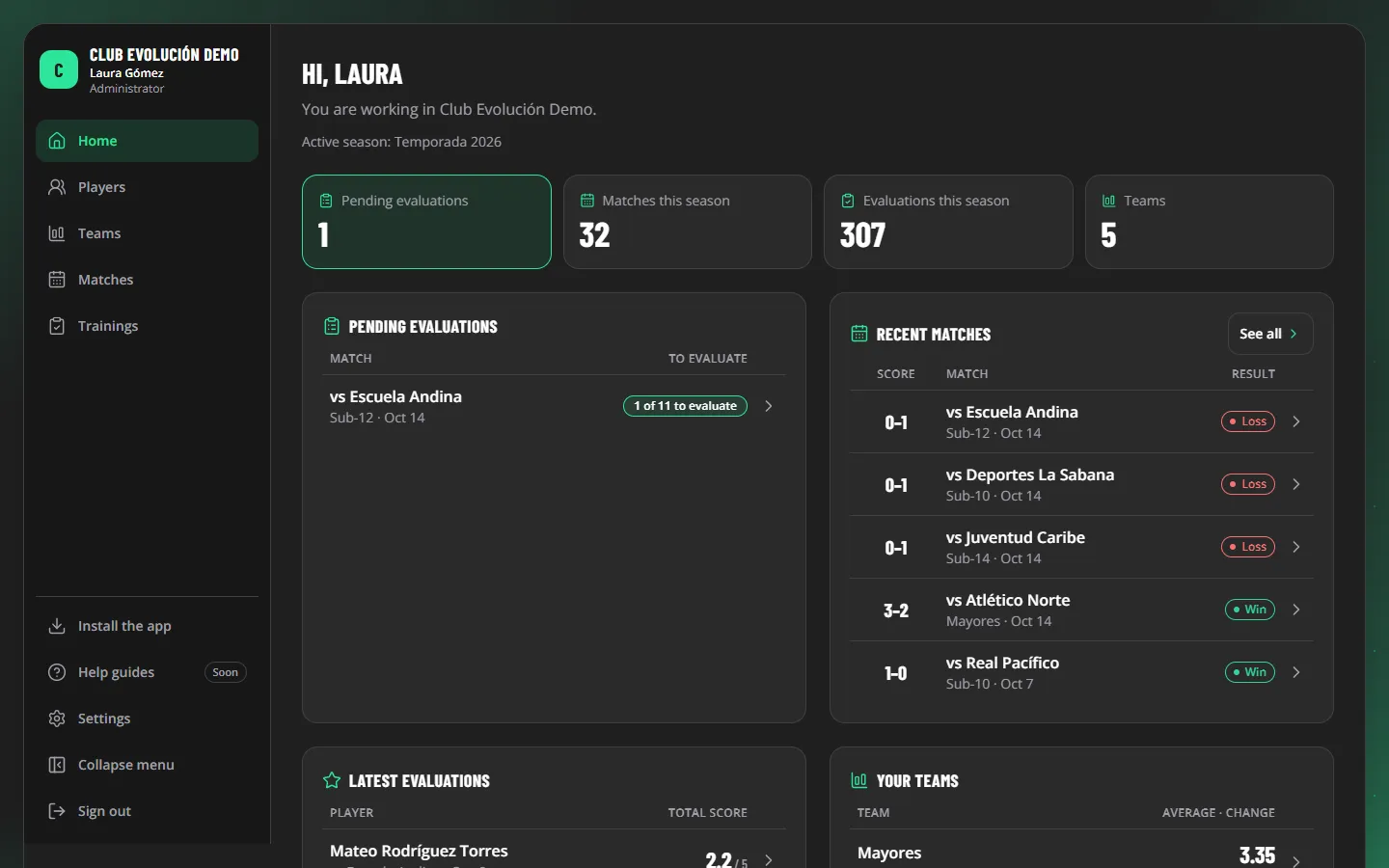
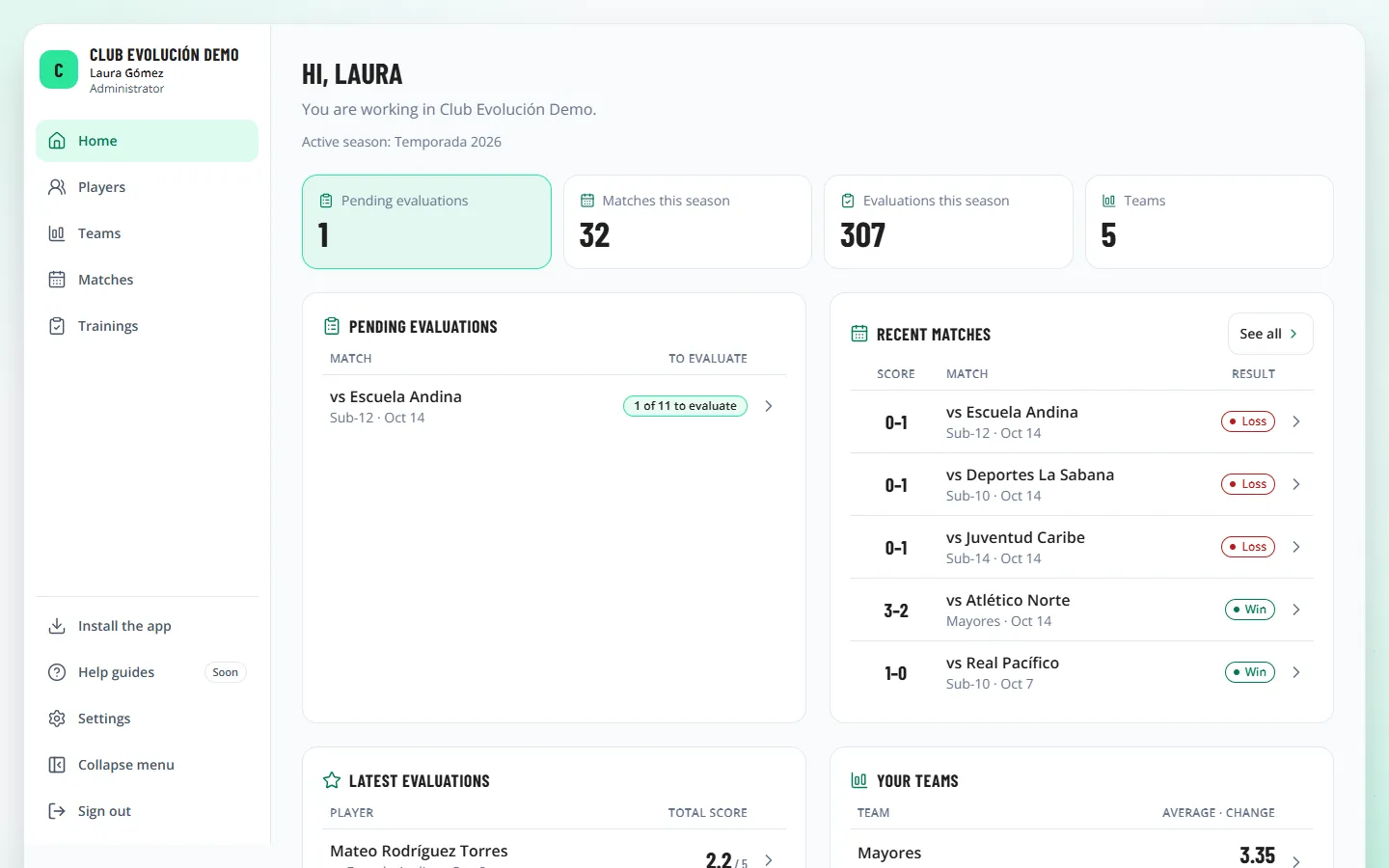
Home sums up the active season of the teams you can see:
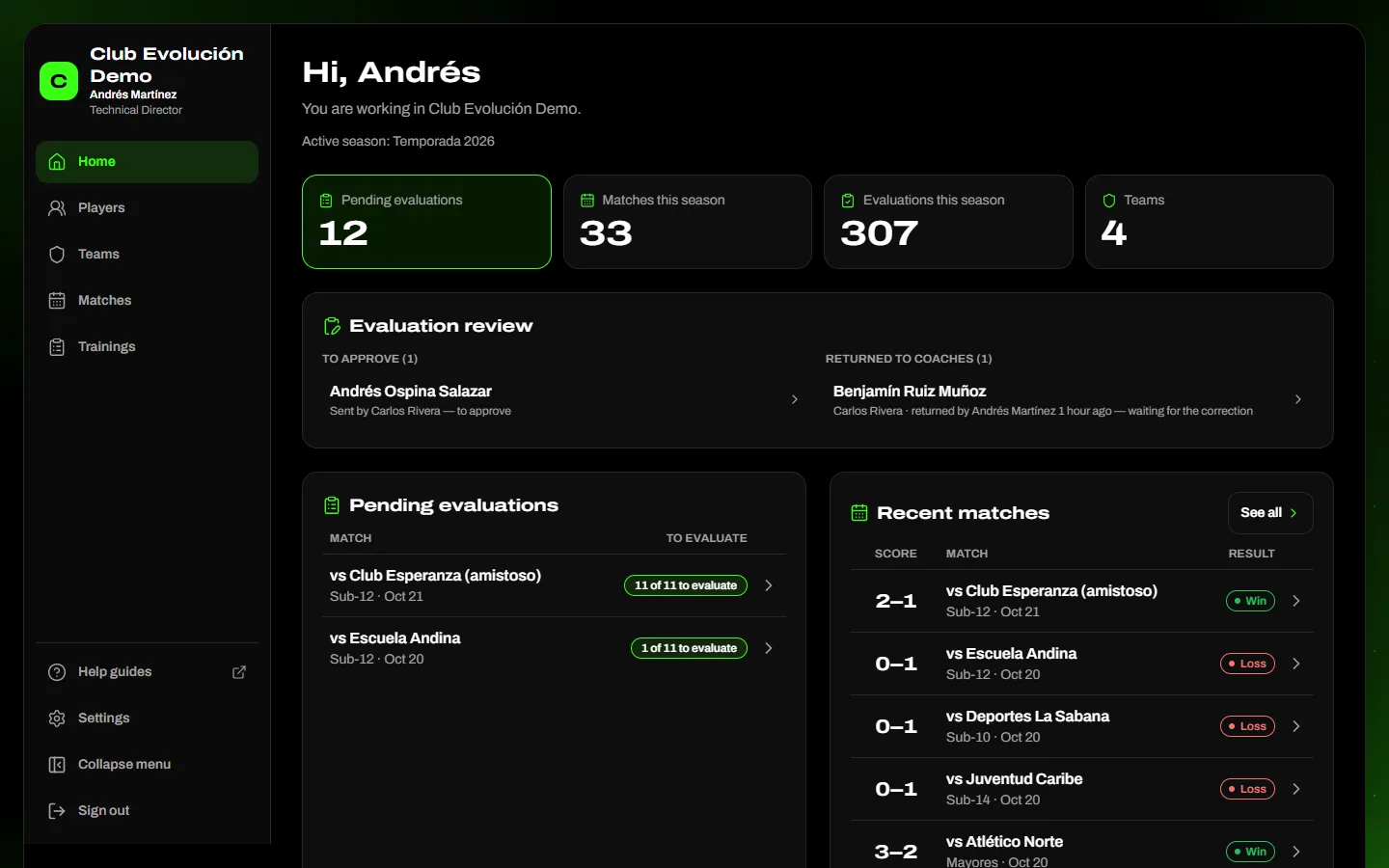
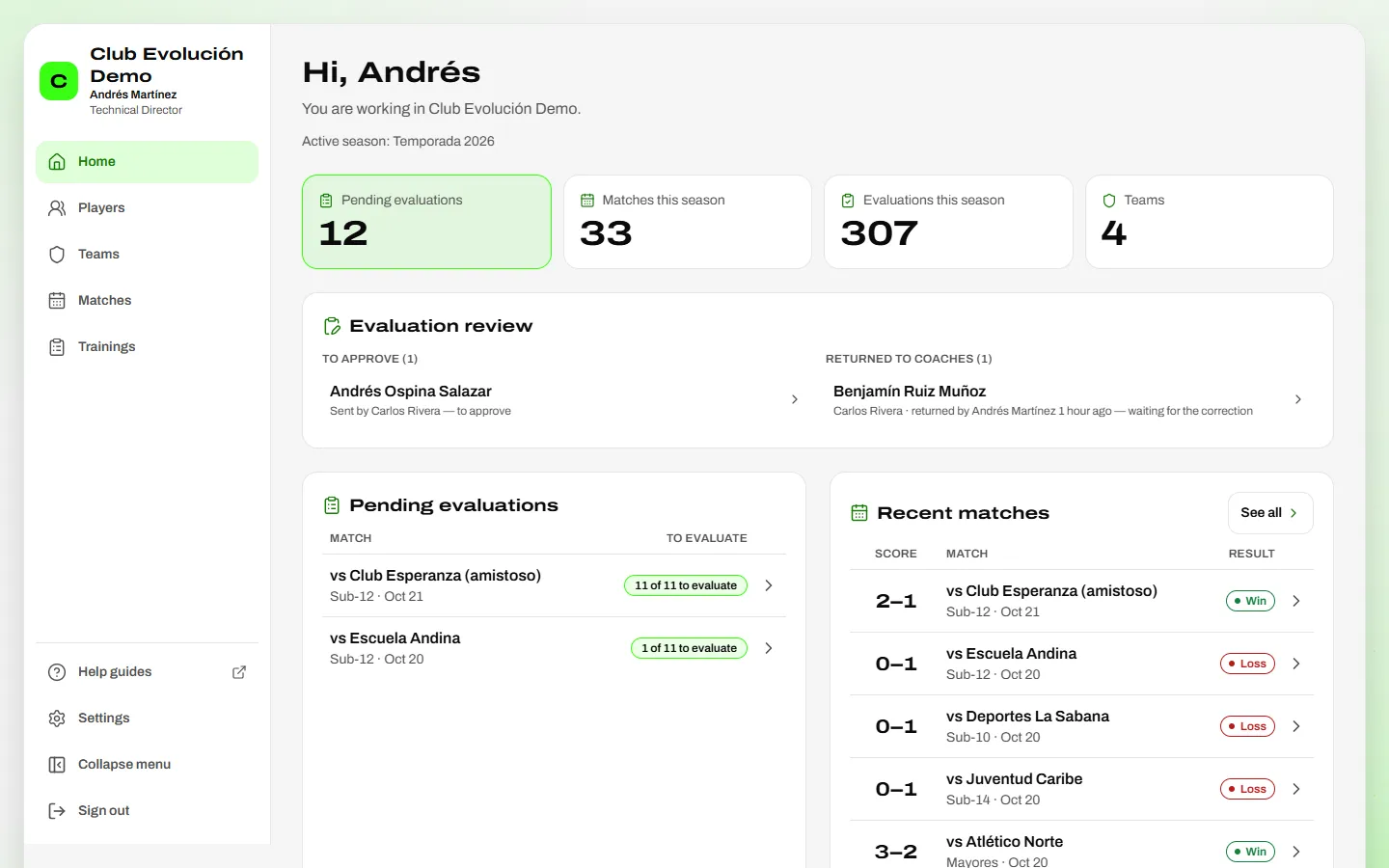
- Four figures: pending evaluations, matches and evaluations this season, and teams.
- Pending evaluations: each match with the players who played and have no evaluation yet ("3 of 8 to evaluate"). Called-up players who did not play don't count. Tap the match to go and evaluate them.
- Evaluation review: the Technical Director and the Administrator see the evaluations to approve and those returned to coaches (who returned them and when, to follow up); a coach sees the ones returned to them for correction.
- Recent matches, with score and result.
- Latest evaluations, with the total score; tap a player to open the profile.
- Your teams: the average total score of the latest block of matches and its change against the previous block.
Depending on your role
A coach sees only the teams assigned to them; the Administrator and the Technical Director see all of theirs.
Recap
- Home sums up your teams' season
- Pending evaluations take you straight to the match
- Each team shows its latest block and its change
To unmark the lesson, select the button again.
Questions? Visit our support portal: support.proevolutionlab.com (opens in a new tab)