


Your account: profile, security, appearance and language
What you'll learn
- How to change your name, language and theme
- How to turn on two-step verification
- What to do if you lose a device
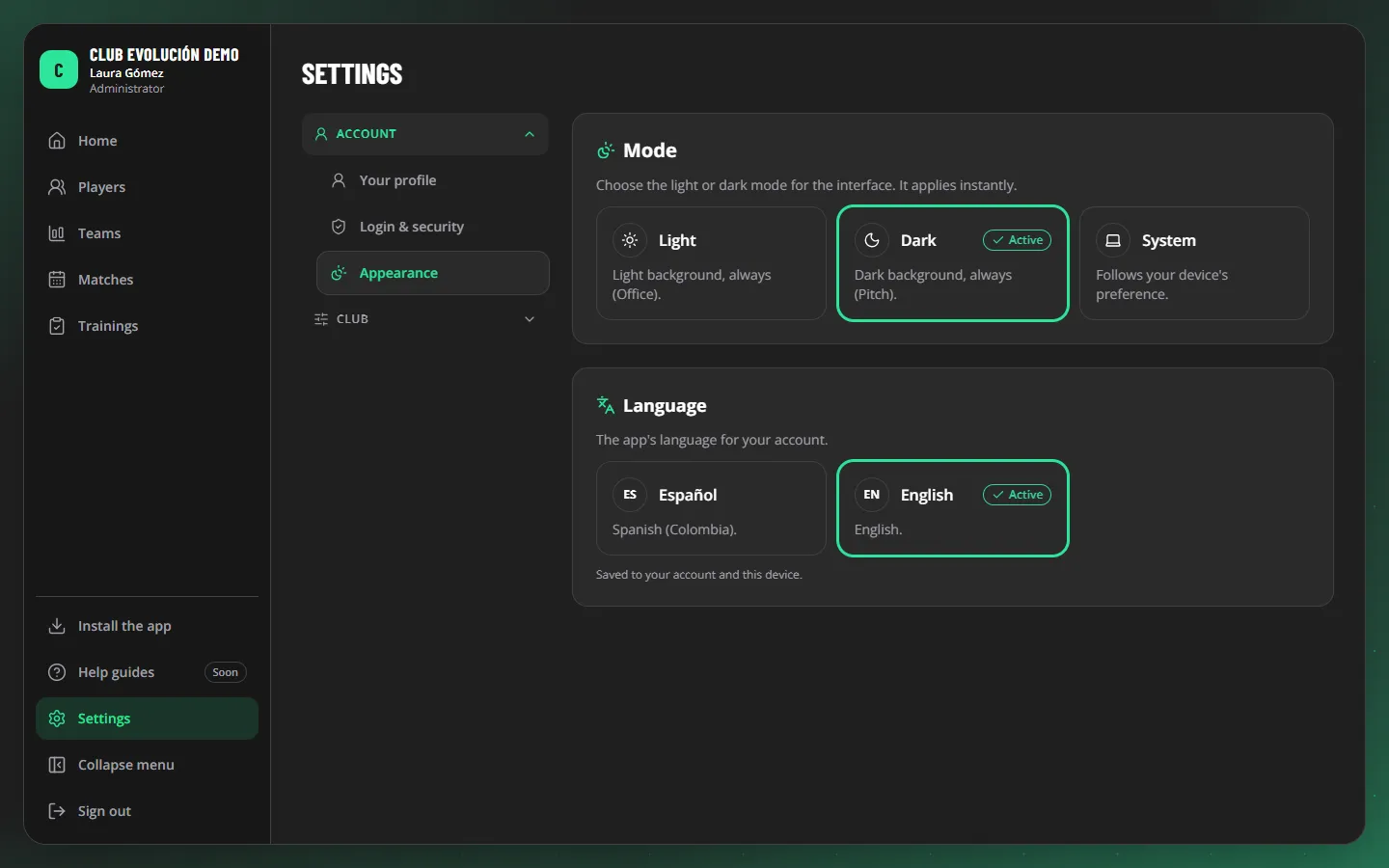
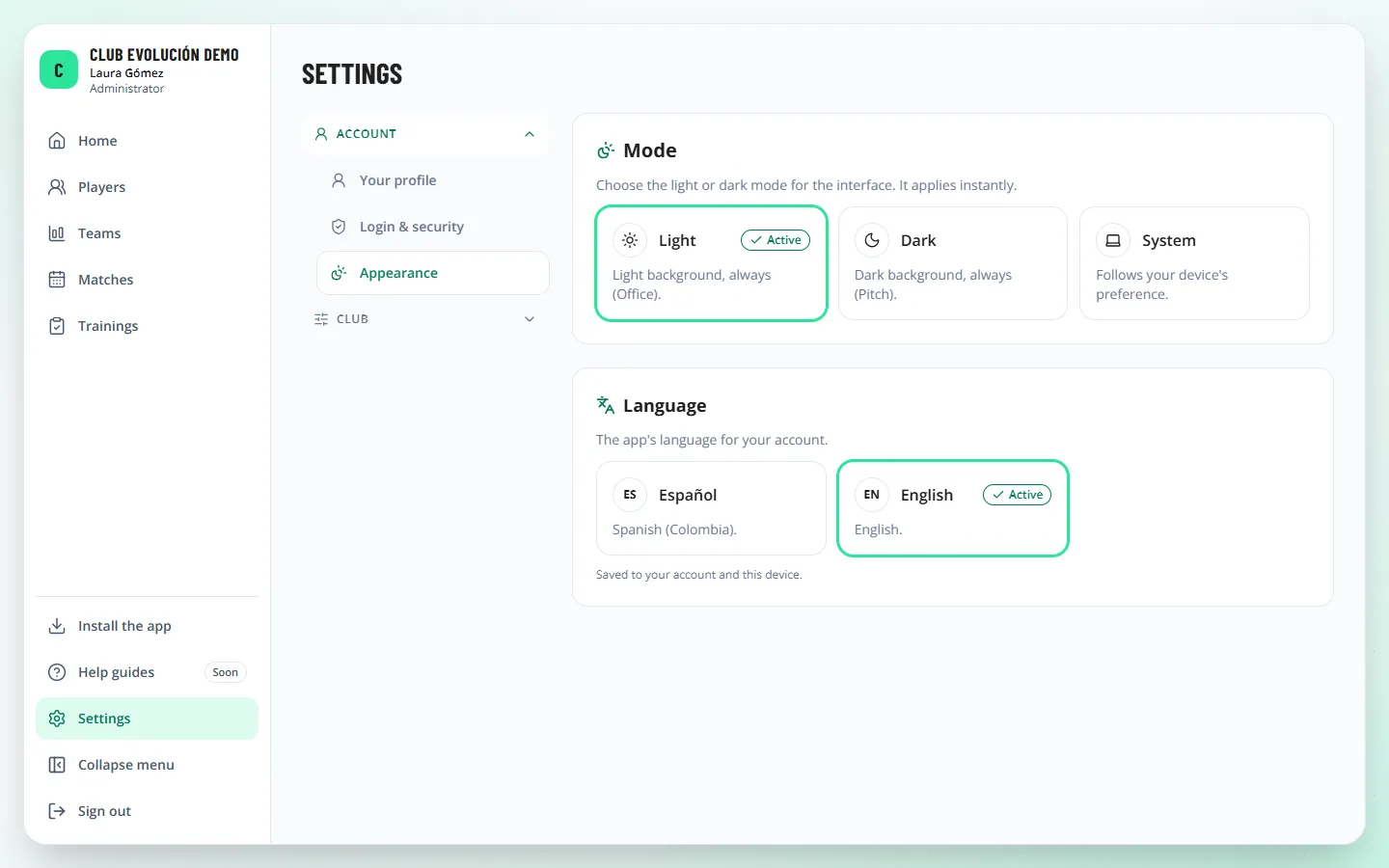
In Settings → Account you have three pages:
- Your profile: your photo, name, email and password. For the photo, tap Upload photo (PNG, JPG or WebP, up to 5 MB); it is cropped to a square, hidden data is removed and only people in your club can see it. You can change or remove it at any time.
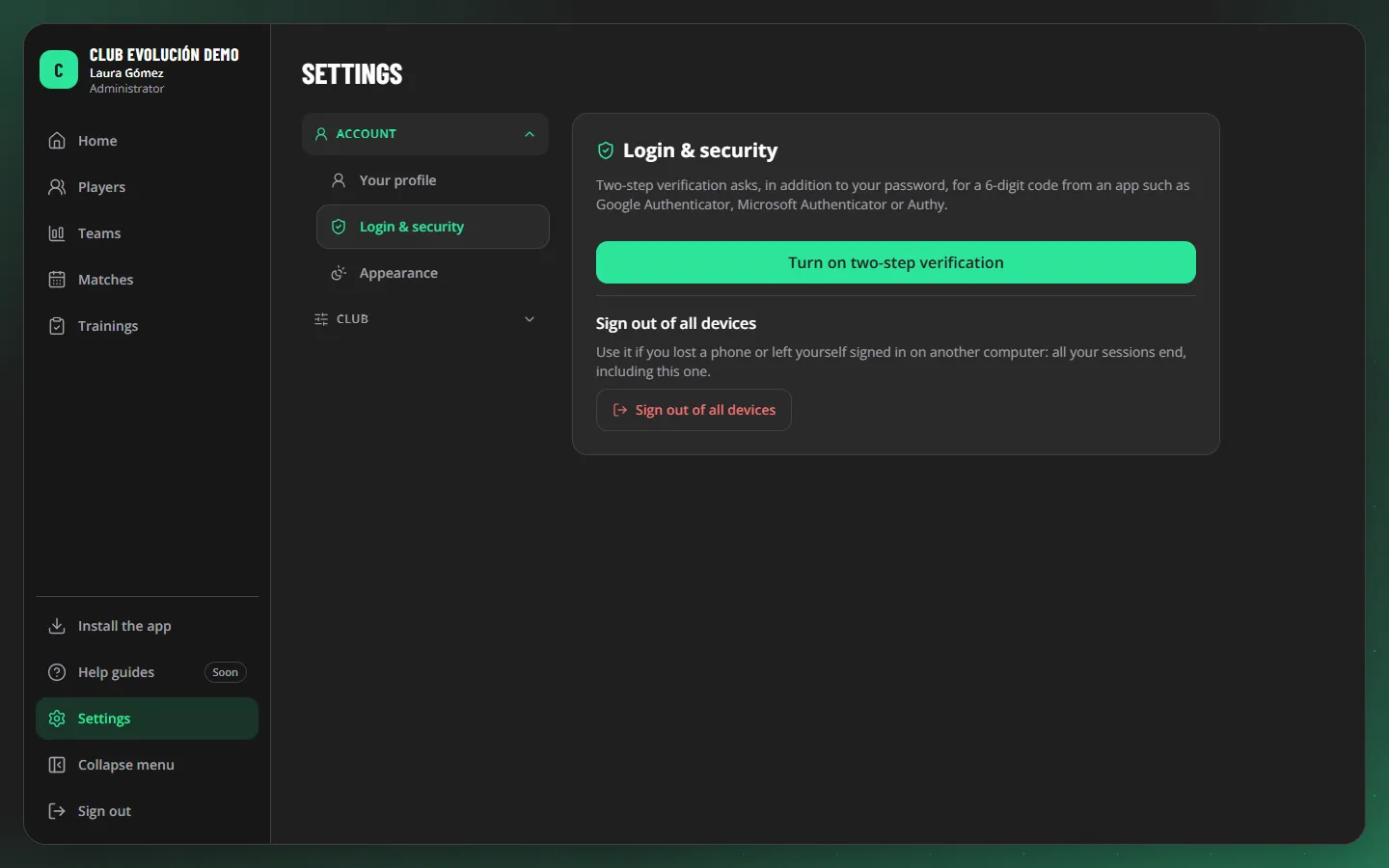
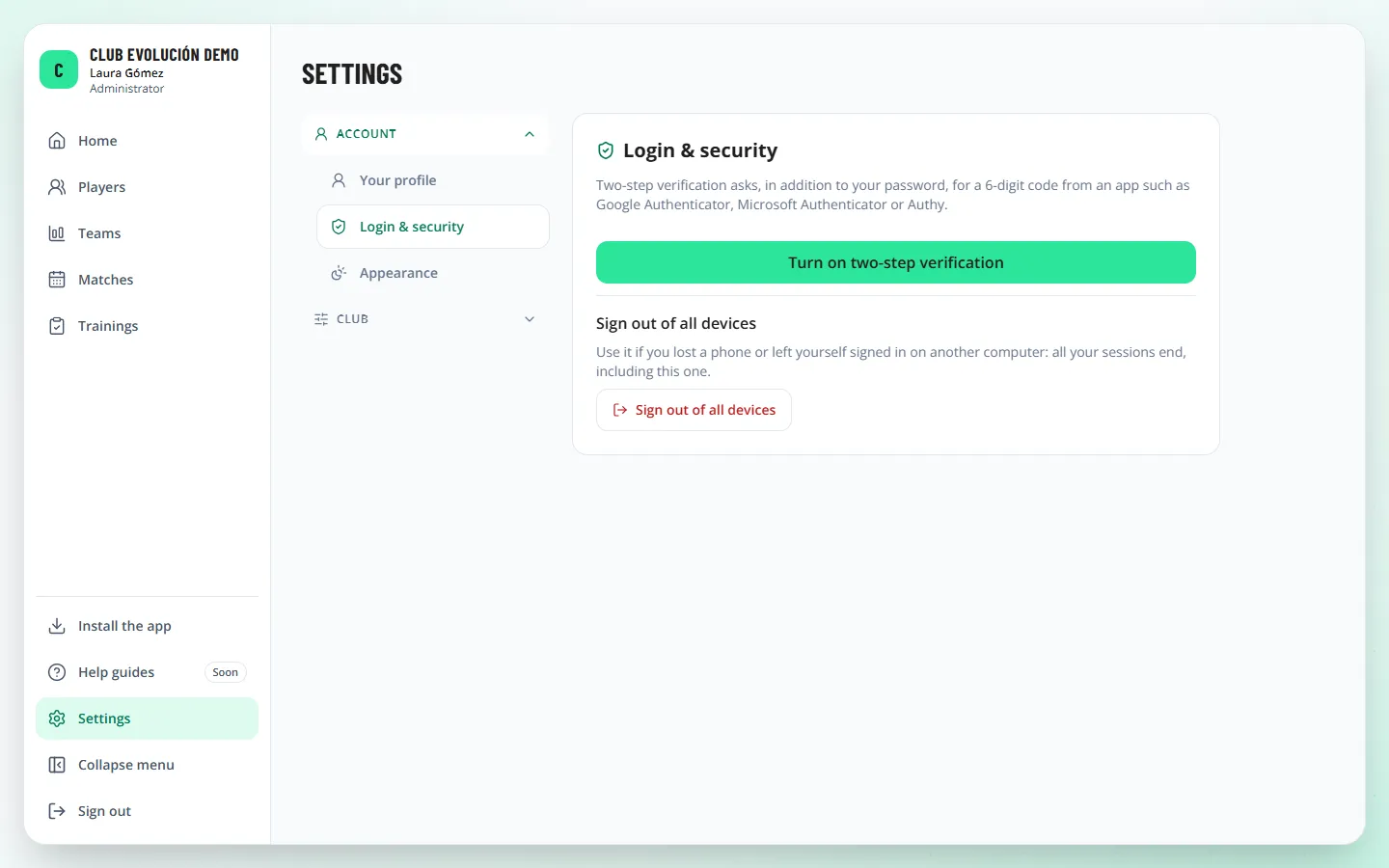
- Login & security: two-step verification and Sign out of all devices.
- Appearance: light, dark or system mode, and Spanish or English.
Two-step verification. Besides your password, it asks for a 6-digit code from an app such as Google Authenticator, Microsoft Authenticator or Authy:
- Go to Login & security and tap Turn on two-step verification.
- Open your authenticator app and scan the QR code.
- Enter the 6-digit code and confirm.
Important
Lost your phone, or left yourself signed in on another computer? Sign in from another device and tap Sign out of all devices. If you also lose your authenticator app, the Administrator can reset your two-step verification.
Recap
- Settings → Account: profile, security and appearance
- Two-step verification protects your account
- "Sign out of all devices" if you lose one
To unmark the lesson, select the button again.
Questions? Visit our support portal: support.proevolutionlab.com (opens in a new tab)