


Export a team's players
What you'll learn
- How to download a team's players in Excel or CSV
- What the file is for and how to keep it safe
The Administrator, the admin assistant and the Technical Director (their teams) see the Export button in Players.
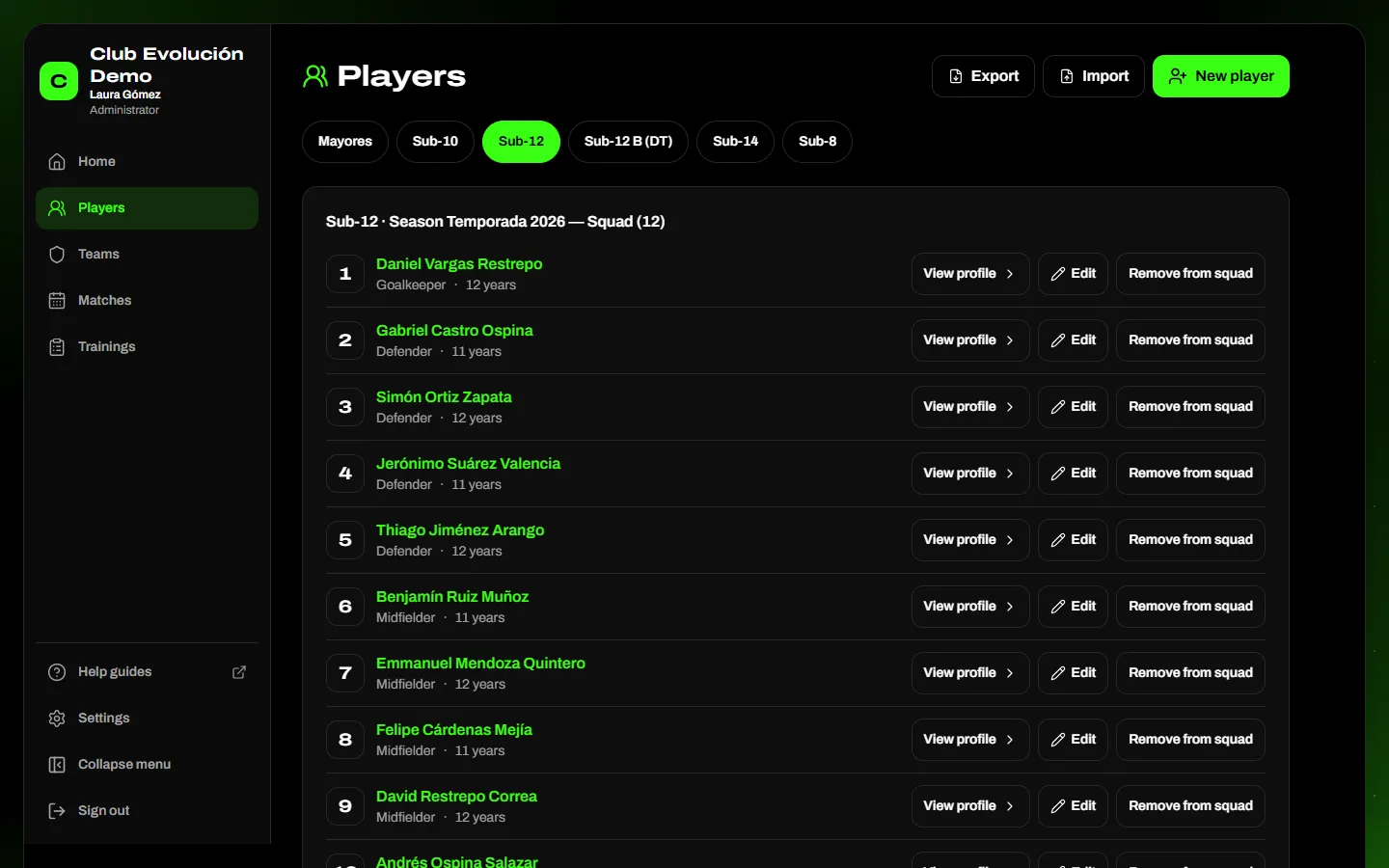
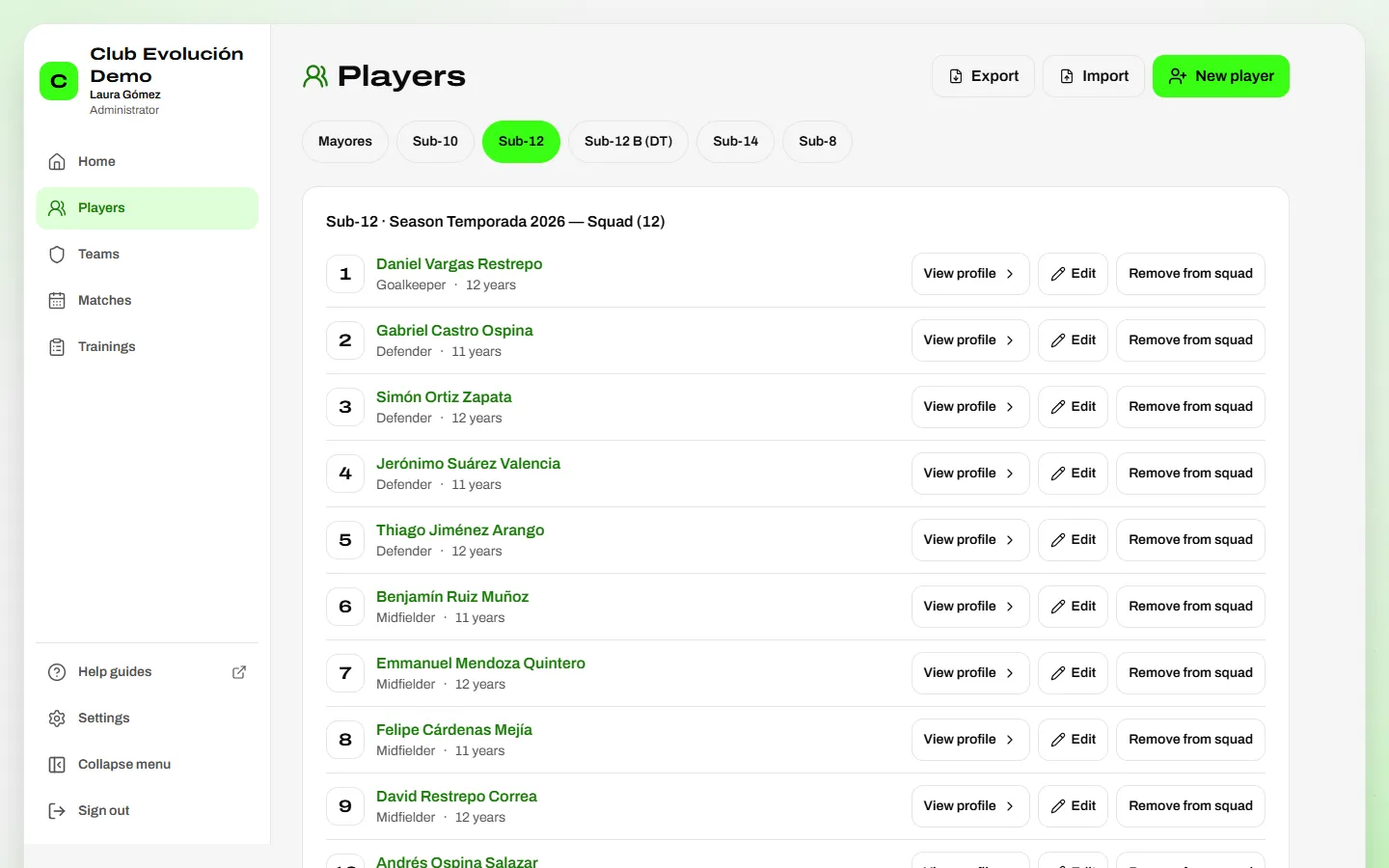
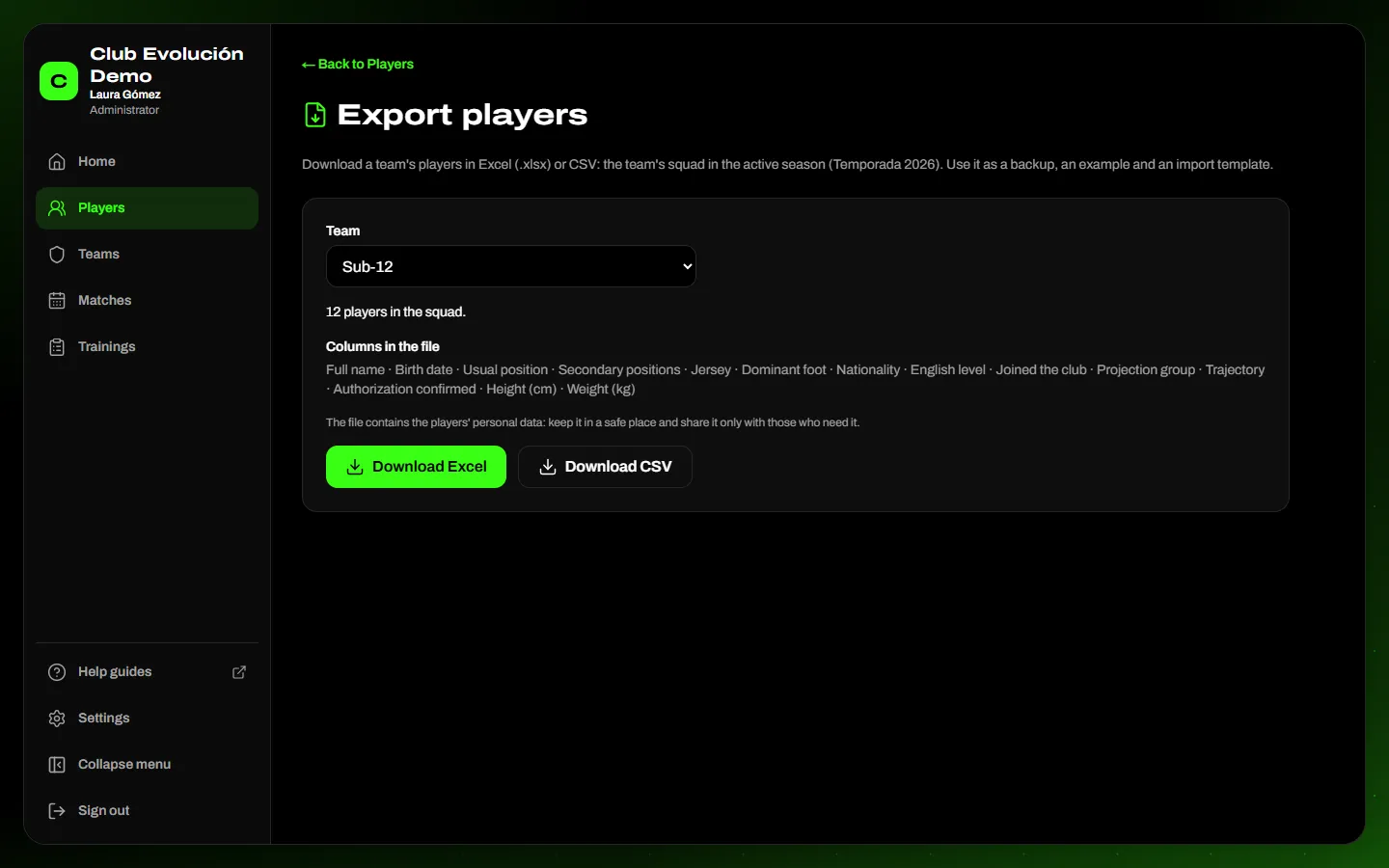
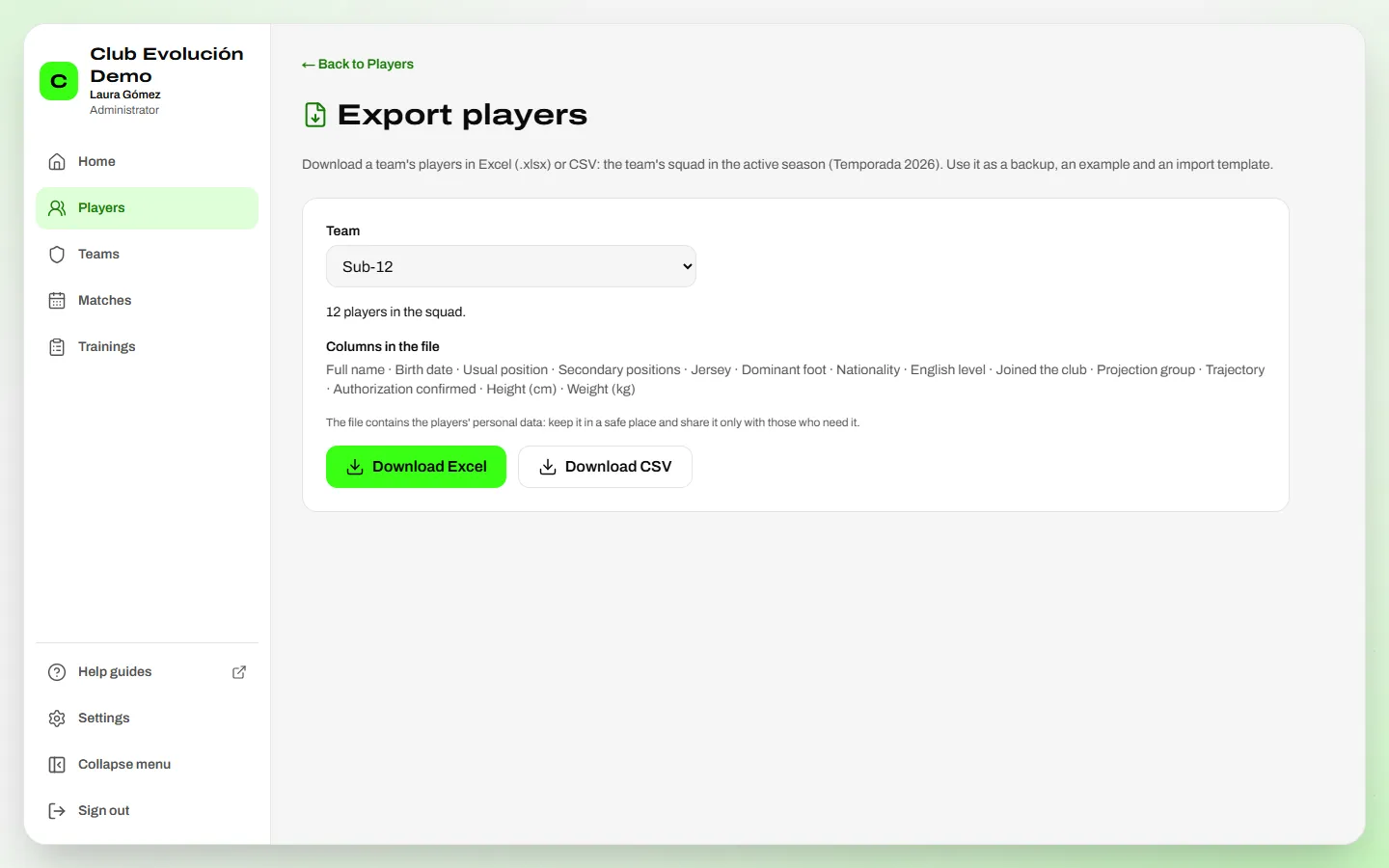
Export a team's players: tap Export, choose the Team (you see how many players it has and which columns the file contains) and tap Download Excel or Download CSV. The file works as a backup, an example or a template for importing. It contains personal data: keep it in a safe place.
Recap
- Players → Export → choose the team → Download Excel or CSV
- Works as a backup, an example or a template for importing
- It contains personal data: keep it in a safe place
To unmark the lesson, select the button again.
Questions? Visit our support portal: support.proevolutionlab.com (opens in a new tab)