


The printable player card
What you'll learn
- How to print the card or save it as a PDF
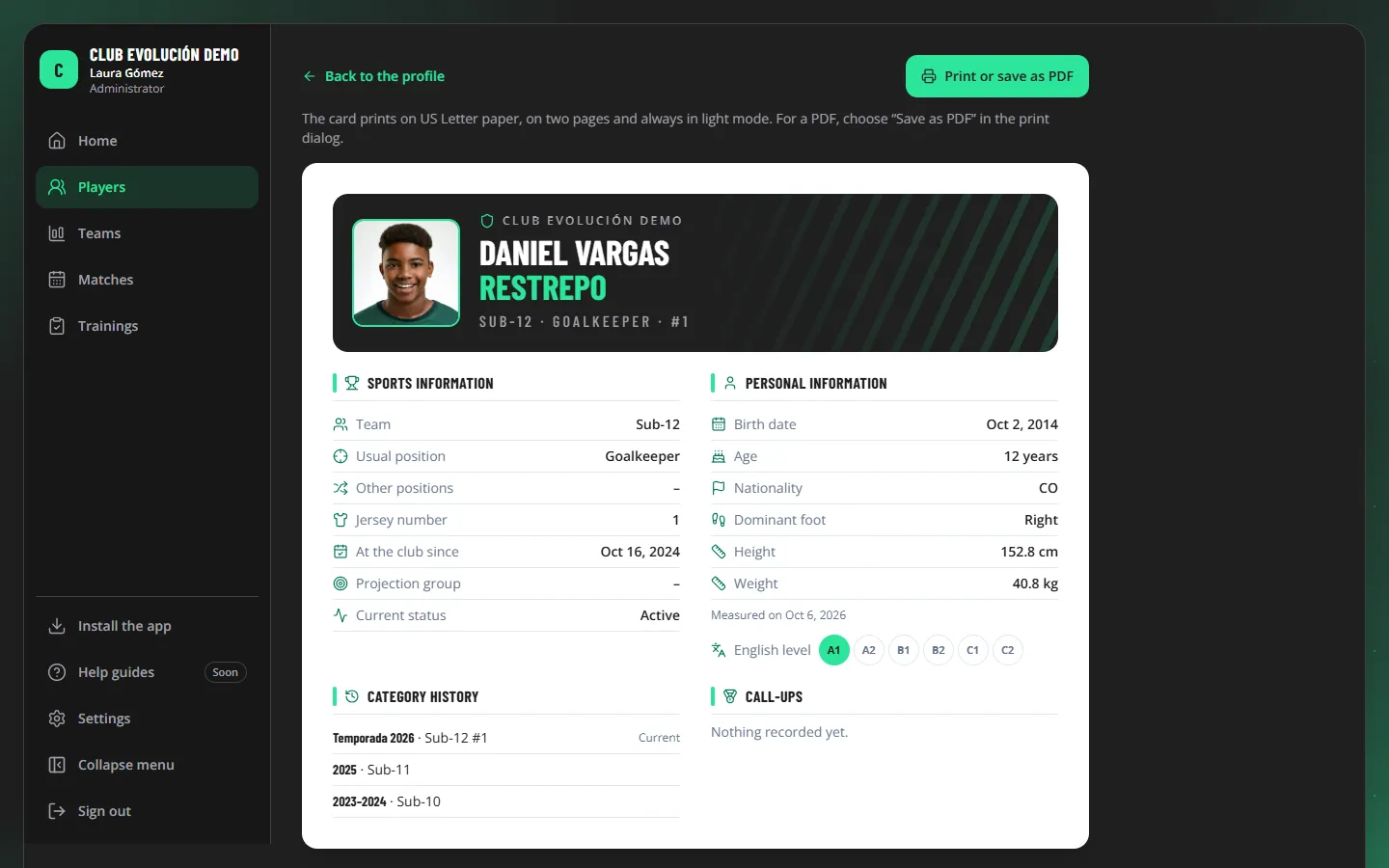
- On the profile, tap Print card.
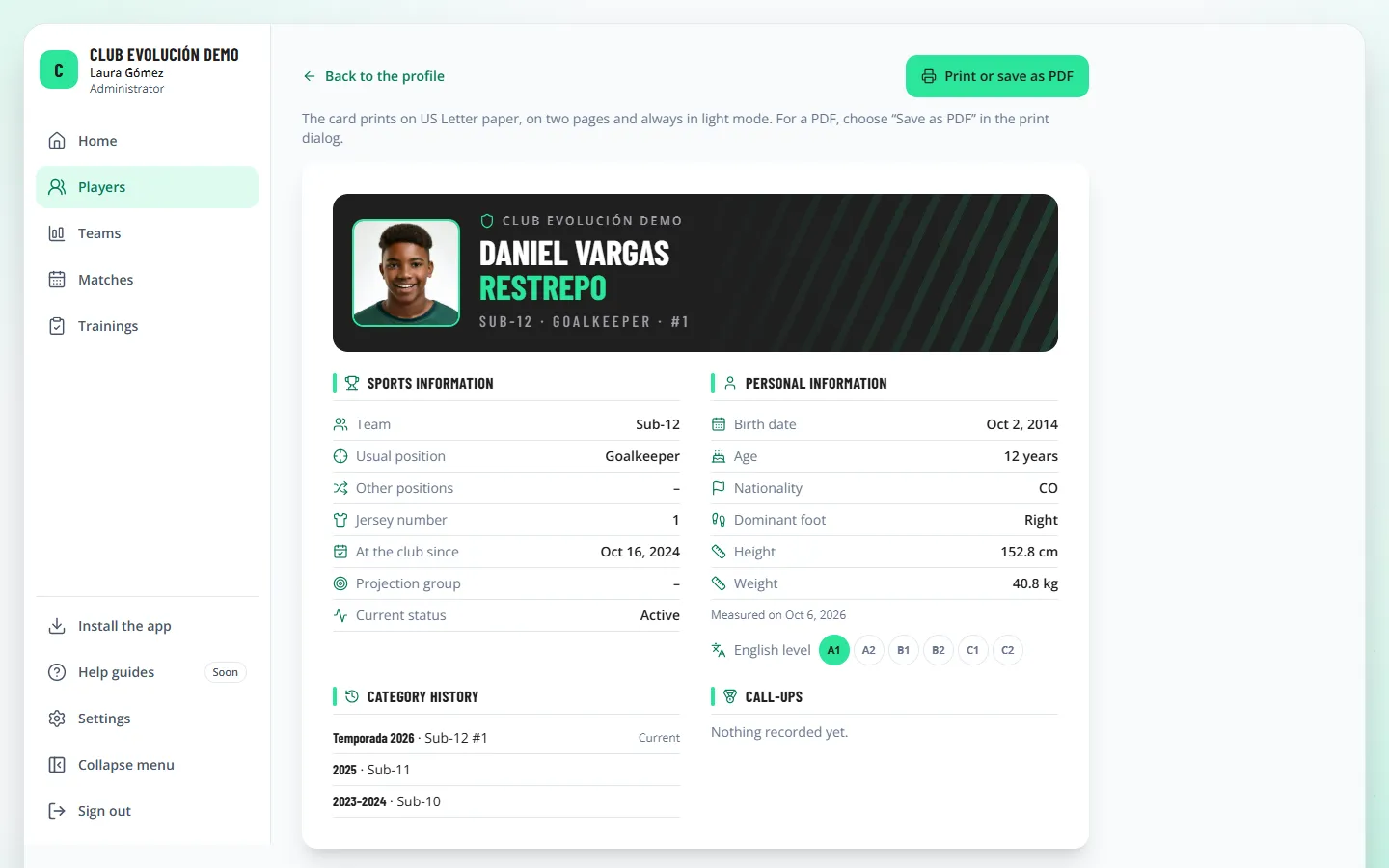
- Check the preview (always white, even if you use dark mode).
- Tap Print or save as PDF and, in the print dialog, choose the printer or Save as PDF (Letter size).
The card has two pages: the first with the photo (or the jersey number), the name, the category, sports and personal information, English level, category history and call-ups; the second with achievements and the season performance summary (radar, pillar table, career by position, attendance and suggested strengths and areas to work on).
Important
The card contains the athlete's personal data: it is for the club's internal use and must not be shared outside the club without prior authorization. If the athlete is a minor, the note asks for their parent's or guardian's authorization; if they are an adult, their own. It never includes phone numbers, emails, ID numbers or medical data.
Recap
- "Print card" on the profile, then "Print or save as PDF"
- Two Letter pages, always in light mode
- For the club's internal use
To unmark the lesson, select the button again.
Questions? Visit our support portal: support.proevolutionlab.com (opens in a new tab)