


Get to know the platform
What you'll learn
- What each menu option is for
- How it looks on phone, tablet and computer
The left-hand menu brings everything together:
- Home: your main dashboard, with what is pending and what is most recent.
- Players: your teams' squads and each player's profile.
- Teams: each team's analysis dashboard.
- Matches: every match with its participation and evaluations.
- Trainings: sessions and roll call.
- At the bottom: Install the app, Help guides, Settings, Collapse menu and Sign out.
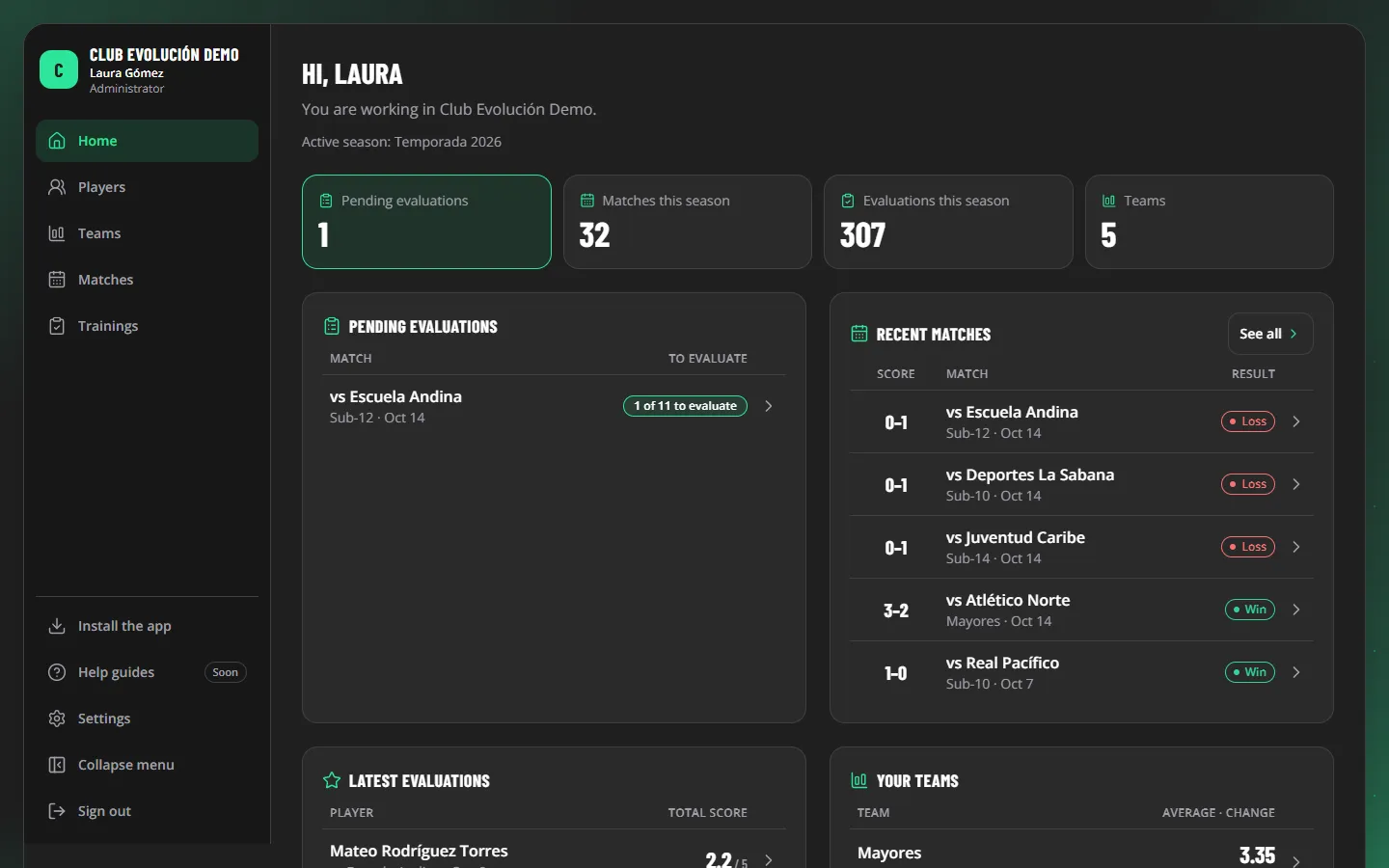
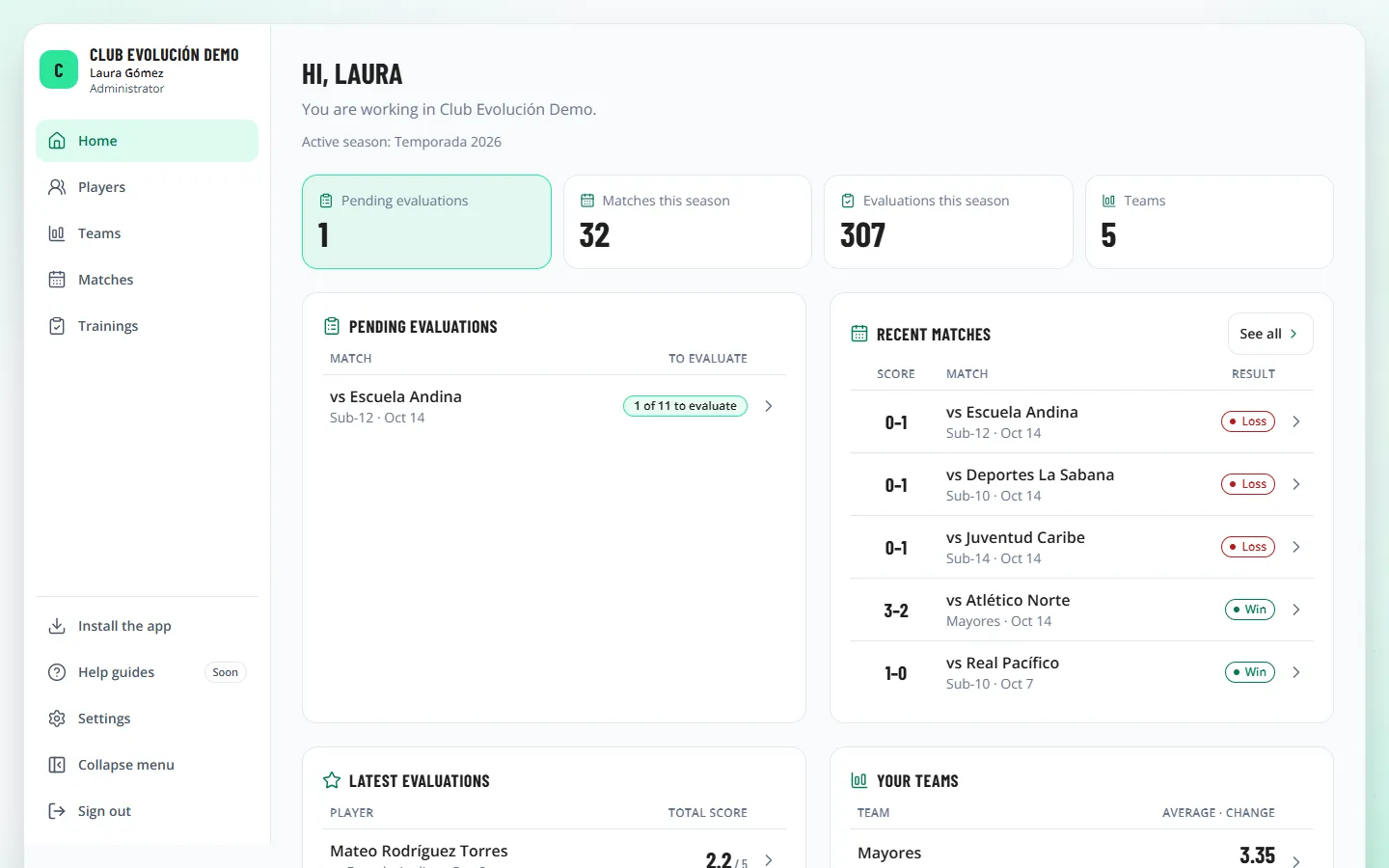
On a computer the menu is always visible; Collapse menu leaves only the icons. On a tablet in portrait it starts collapsed. On a phone it opens with the ☰ button at the top left.
Depending on your role
What you see depends on your role: for example, the Club group in Settings is only shown to the Administrator.
Tip
When a new version is published, the platform tells you with New version available and a Reload button. Tap it to keep working on the new version: a page or app window left open from before can fail to save or download until you reload it.
Recap
- Everything is in the left-hand menu
- On a phone, open the menu with ☰
- What you see depends on your role
To unmark the lesson, select the button again.
Questions? Visit our support portal: support.proevolutionlab.com (opens in a new tab)