


Sign in
What you'll learn
- How to accept your invitation
- How to sign in
- What to do if you forget your password
The first time, you sign in from the invitation email:
- Open the email "You've been invited to ProEvolution Lab" and tap Accept invitation (it works on any phone or computer).
- Enter your name and create your password (twice). It needs at least 10 characters, with lowercase, uppercase, a number and a symbol (for example ! # $ %); below the field each rule is ticked ✓ as you type.
- Done: you go straight into your club's platform.
From then on, enter your email and password and tap Sign in.
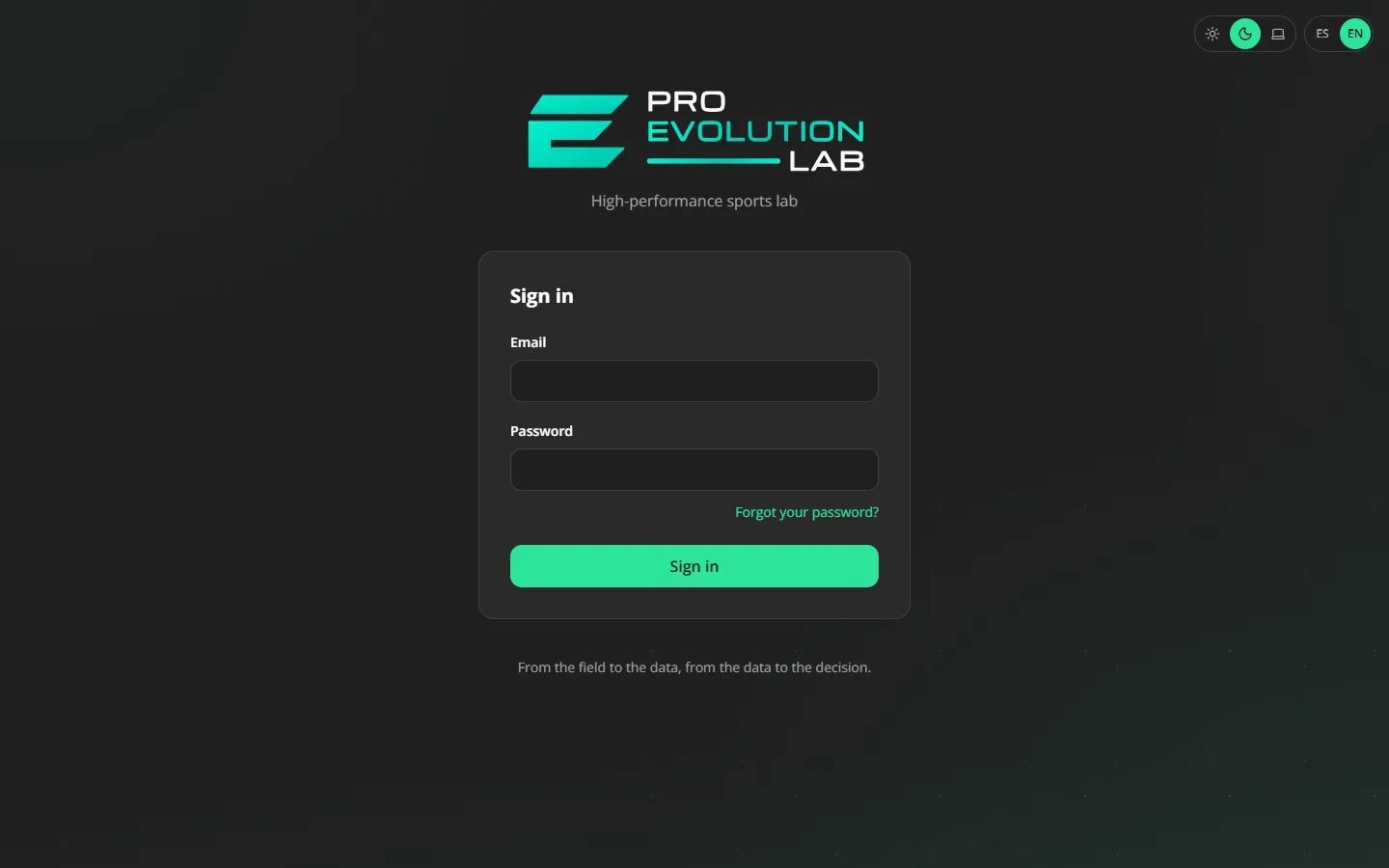
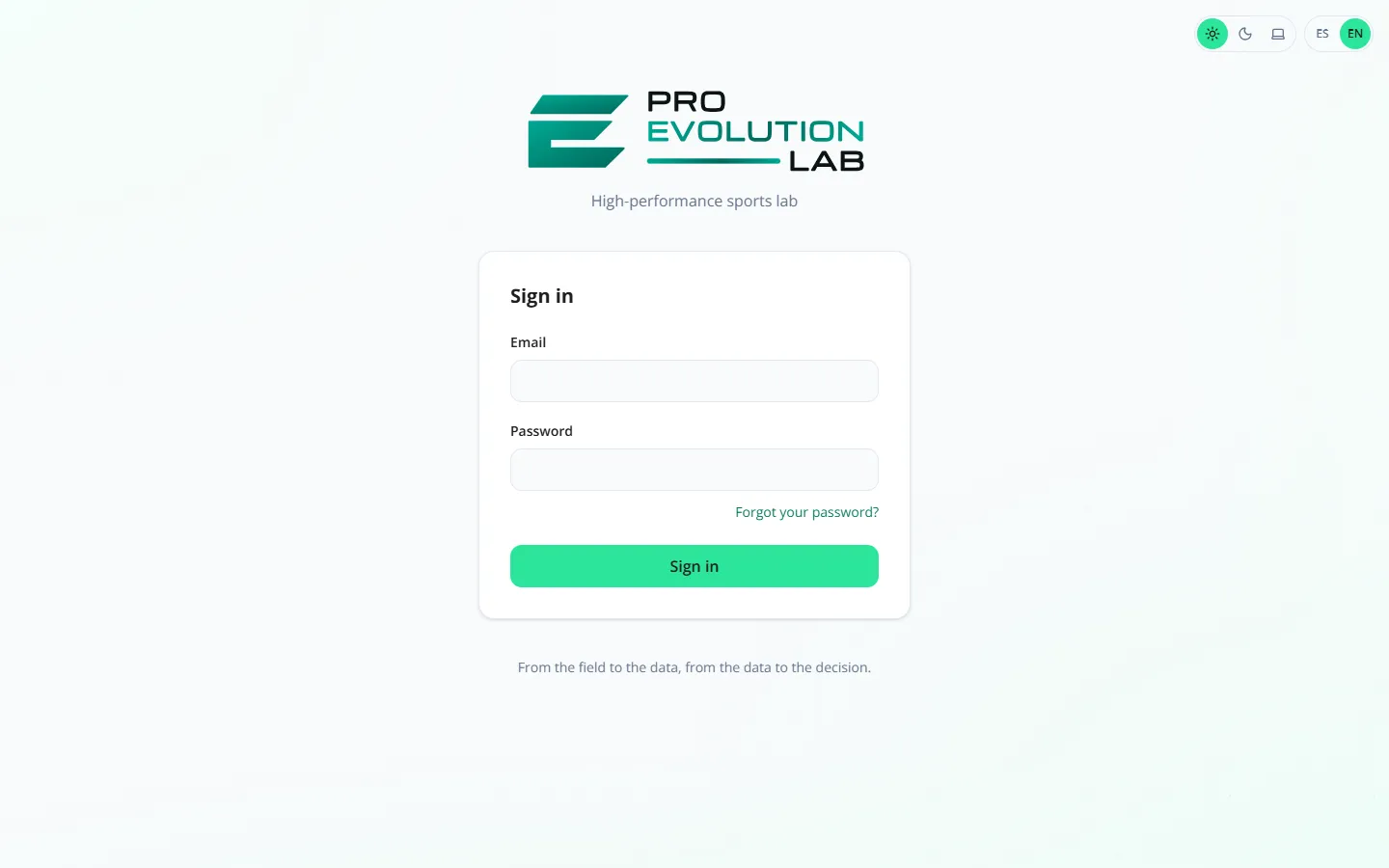
If you forgot your password, tap Forgot your password?, enter your email and follow the link you receive to create a new one.
Tip
Until you confirm your email you'll see a notice at the top. You can keep using the platform; the notice goes away once you confirm.
Need help?
Didn't get the invitation? Check your spam folder. The link works once and for one hour: if it expired or says it is not valid, ask your club's Administrator to resend it and always use the newest email. If you had already opened the link but did not get to create your password, you can also use Forgot your password?: creating it completes your invitation.
Recap
- The first time, you join with the invitation link
- After that, with your email and password
- "Forgot your password?" lets you create a new one
To unmark the lesson, select the button again.
Questions? Visit our support portal: support.proevolutionlab.com (opens in a new tab)