


Inactivity sign-out
What you'll learn
- Why you are signed out automatically
- What happens to what you were doing
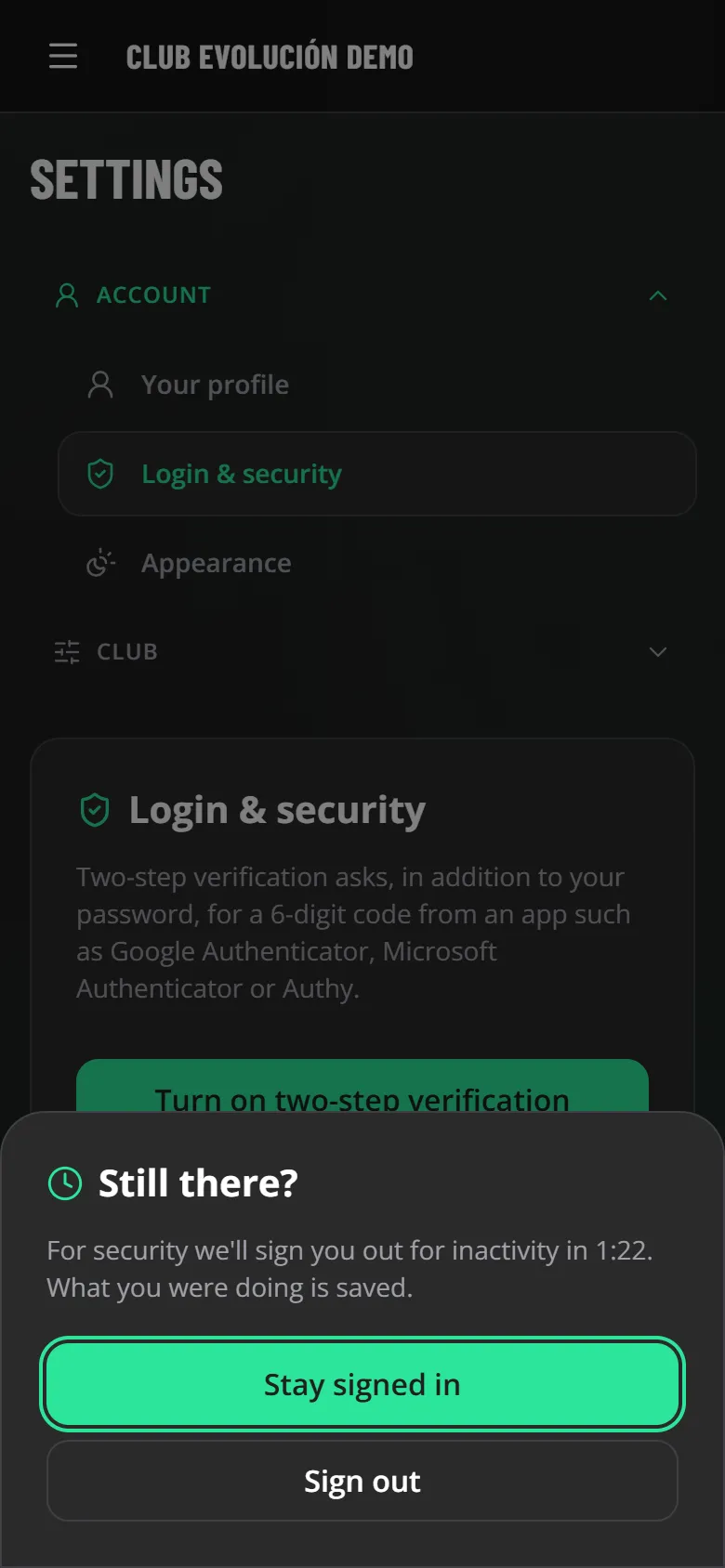
To protect the club's information if a phone or computer is left open or lost, you are signed out after 1 hour without use (the Administrator can choose another time).
Two minutes before, Still there? appears: tap Stay signed in to continue.

Tip
What you were doing is not lost: evaluation drafts are saved and you find them again when you sign back in.
Tip
The server also enforces this: a sleeping computer or a forgotten phone is signed out even if the page is not open.
Recap
- You are signed out after 1 hour without use (the club can change it)
- "Still there?" two minutes before
- Drafts are never lost
To unmark the lesson, select the button again.
Questions? Visit our support portal: support.proevolutionlab.com (opens in a new tab)